Operating InstructionsFacsimile Reference (option) <Advanced Features>
67
E
EE
E
Press the {
{{
{Start}
}}
} key.
The machine starts to scan the original.
To stop scanning, press [Stop Scanning]. The
display will return to step
C
.
Note
❒ After you place an original on the exposure
glass, place the next original within 60 sec-
onds. After all originals are scanned, press
[#].
F
FF
F
Press [Exit].
Repeat from step
C
to store another file in a
box.
G
GG
G
Press [Exit].
The initial display is shown.
Printing Information Box Mes-
sages
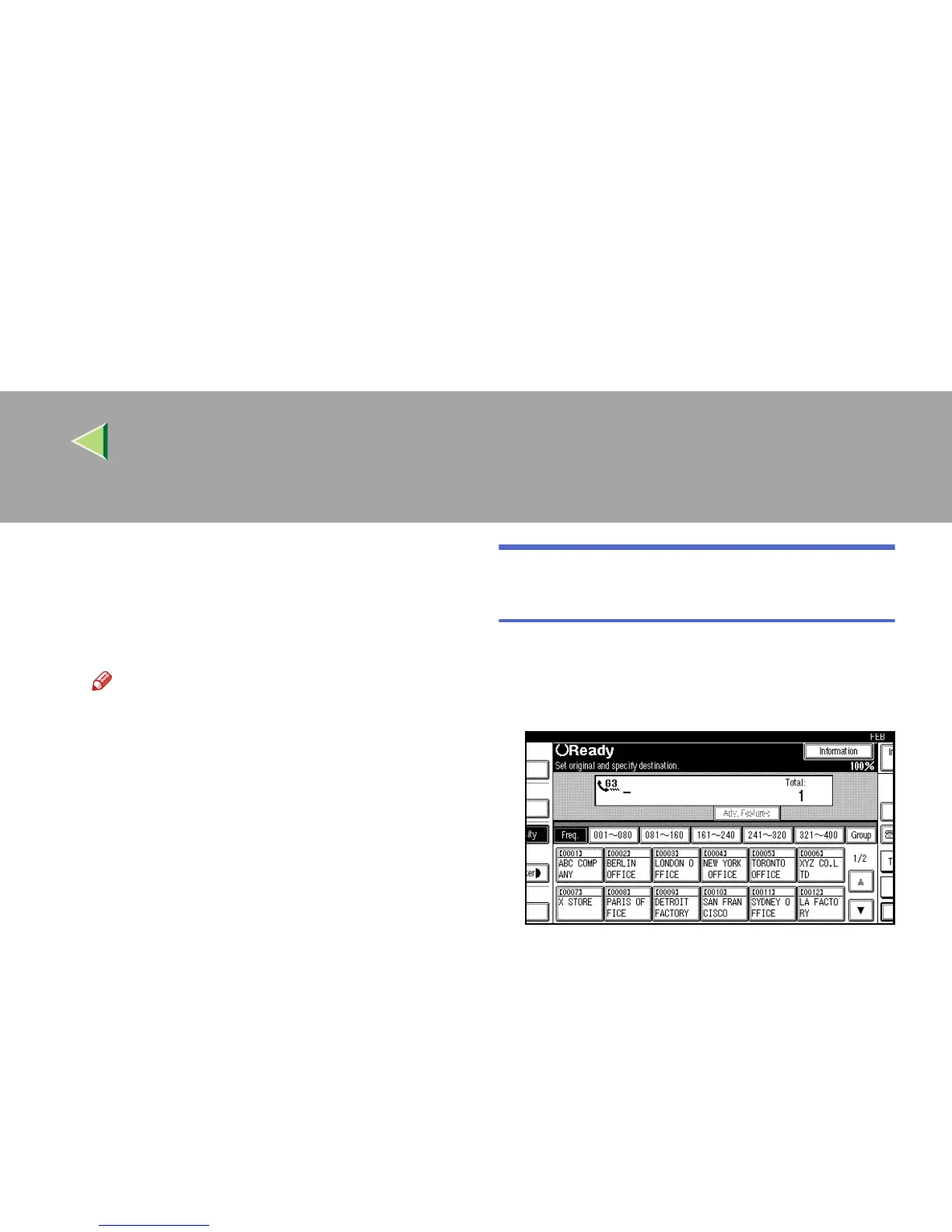
Follow these steps to print the message stored in
an Information Box.
A
AA
A
Press [Information].
The information menu is shown.



 To Next Page