Operating InstructionsFacsimile Reference (option) <Advanced Features>
107
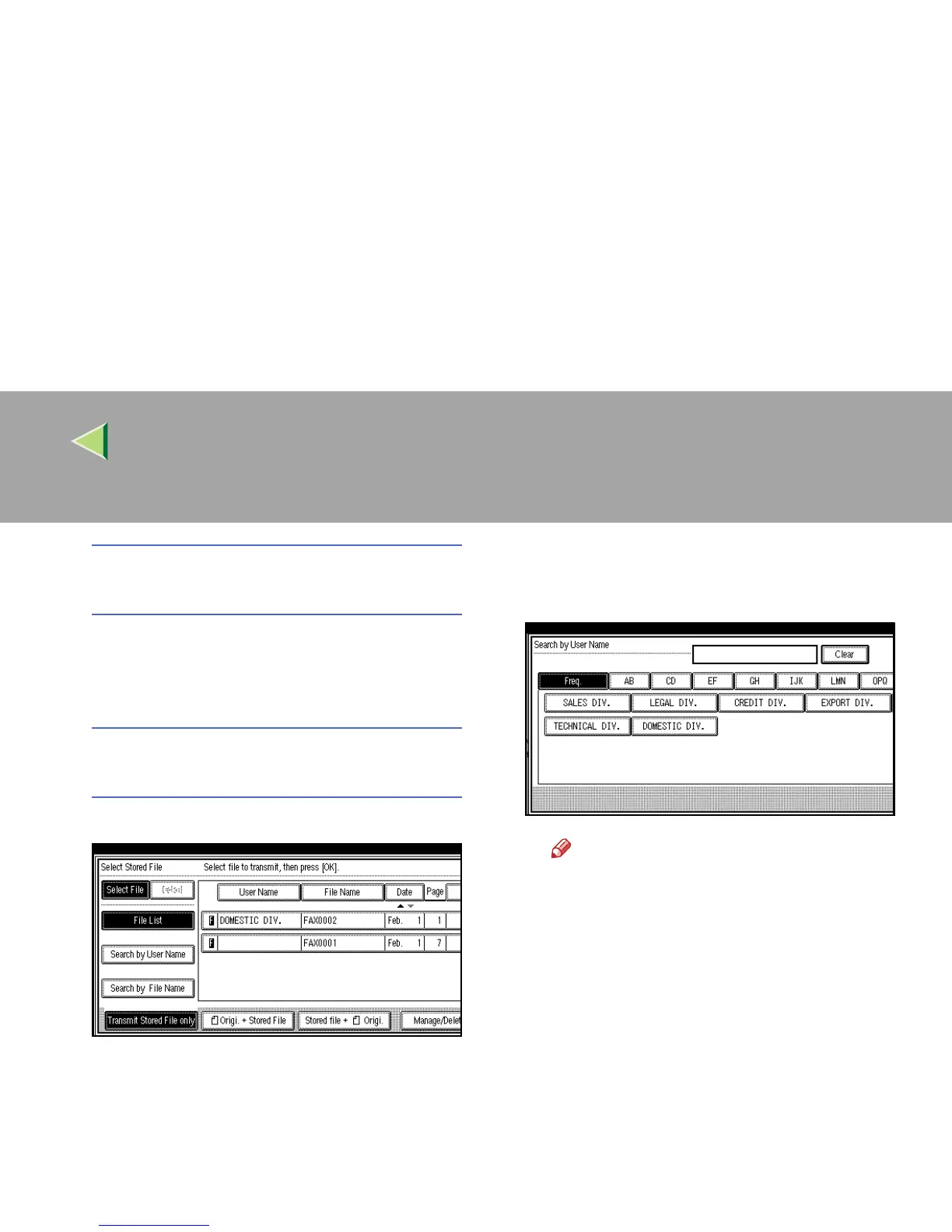
Specifying Documents from the “File
List”
A
AA
A Press [U
UU
U Prev.] or [T
TT
T Next] to display the
documents to be sent.
B
BB
B Select the file name.
Specifying Documents from the “User
Name”
A
AA
A Press [Search by User Name].
B
BB
B When the User Code is programmed,
press the User Name of the registered
document, and then go to step D
DD
D.
Note
❒ These User Names are programmed in
the User Code in the “System Set-
tings”.
❒ If the User Name of the registered doc-
ument is not displayed, press [U
UU
U Prev.
]
or [T
TT
T Next].
❒ To search by entering the User Name,
press [Non-programed Name], and then
go to step C. Partial matching is used
to search for the User Name.



 To Next Page