Operating Instructions Maintenance Guide 2 Copier System Edition
33
F
FF
F
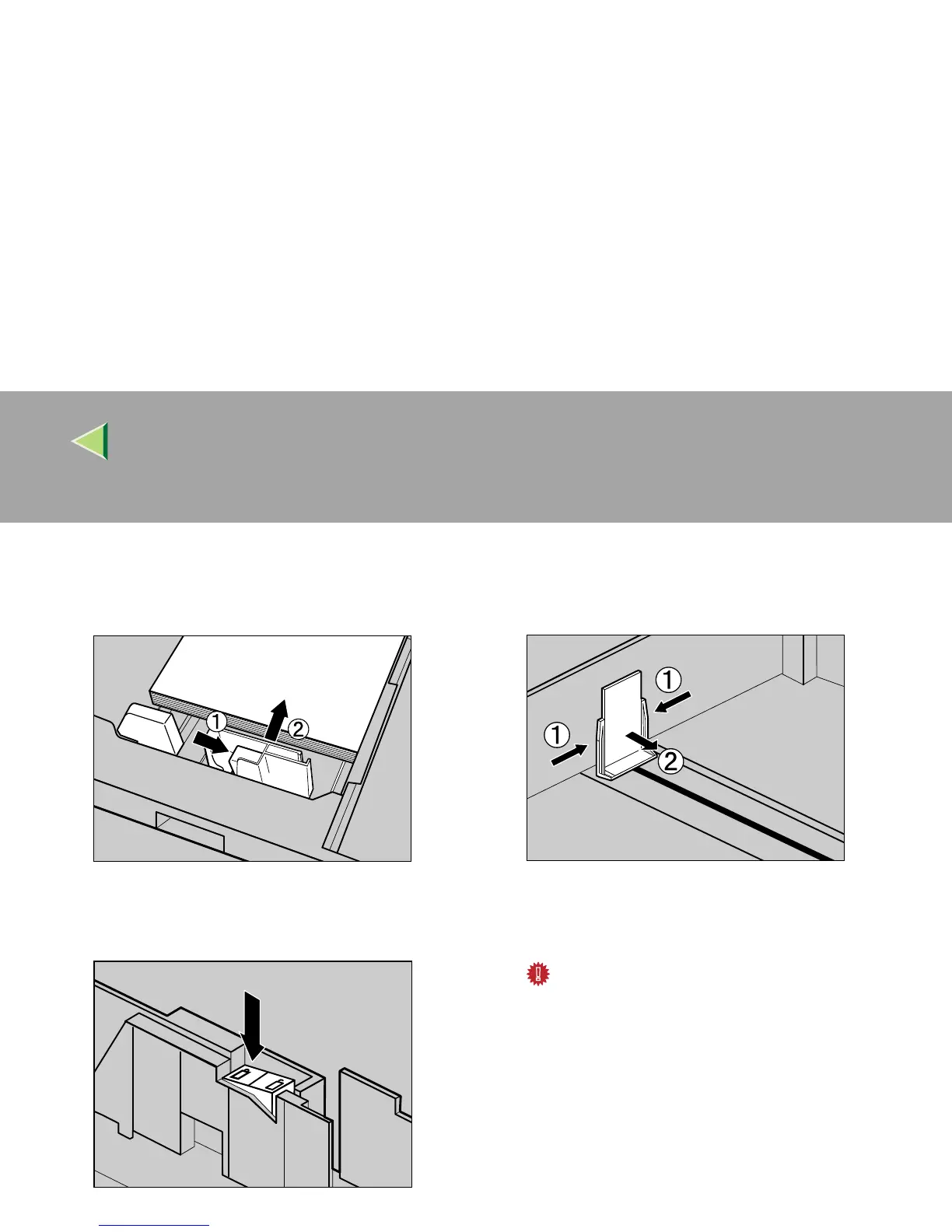
Pushing the green lever of the side guide
(A
AA
A), move the side guide toward the paper
stack until it stops (B
BB
B).
G
GG
G
Make sure the paper is fixed in place, and
then lock the side guide.
H
HH
H
Pinching both sides of the end guide (A
AA
A),
move the end guide toward the paper stack
until it stops (B
BB
B).
I
II
I
Carefully slide the paper tray into the
printer until it stops.
Important
❒ Do not slide the paper tray in with force. If
you do, the front and side guides might
move.
ZDJY006J
ZDJY007J
ZDJY005J



 To Next Page