Operating InstructionsFacsimile Reference (option) <Advanced Features>
113
B
BB
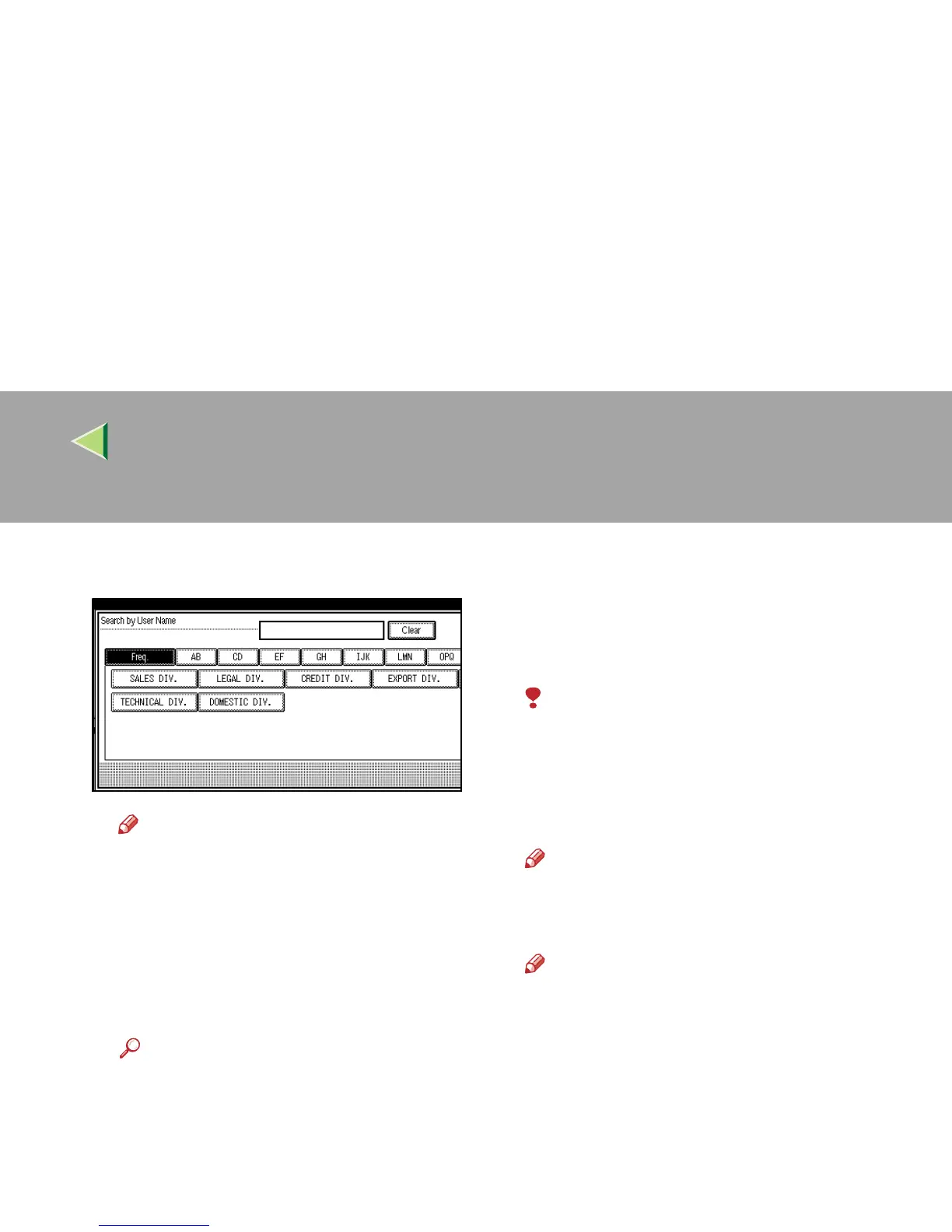
B Press the User Name of the document to
be sent.
Note
❒ If the User Name of the registered doc-
ument to be sent is not shown, press [U
UU
U
Prev.] or [T
TT
T Next].
❒ To search by entering the User Name,
press the [Non-programed Name] key,
and then enter the User Name. The
User Name is searched by partial
matching.
Reference
❒ ⇒ Chapter 3, “Entering Text” in the Ba-
sic Features manual
C
CC
C Press [OK].
D
DD
D Select the file name.
D
DD
D
Press [Print File] or [Print 1st Page].
When the [Print File] key is pressed, the ma-
chine prints all the pages. When the [Print 1st
Page] key is pressed, the machine prints only
the first page.
Limitation
❒ When “Print 1st Page” is selected, origi-
nals larger than size A4 are printed after
they are reduced to A4 size.
❒ The machine can print up to 30 files using
the “Print 1st Page” feature.
Note
❒ To print both sides, press [Print 2 Sides].
E
EE
E
Press the {
{{
{Start}
}}
} key.
Note
❒ When only the first page is printed, the file
name is printed at the top of the paper.
❒ To cancel printing, press [Cancel].



 To Next Page