Operating InstructionsFacsimile Reference (option) <Advanced Features>
118
Selecting Transmission Options for a Single
Transmission
A
AA
A
Place the original, and then select any scan
settings you require.
B
BB
B
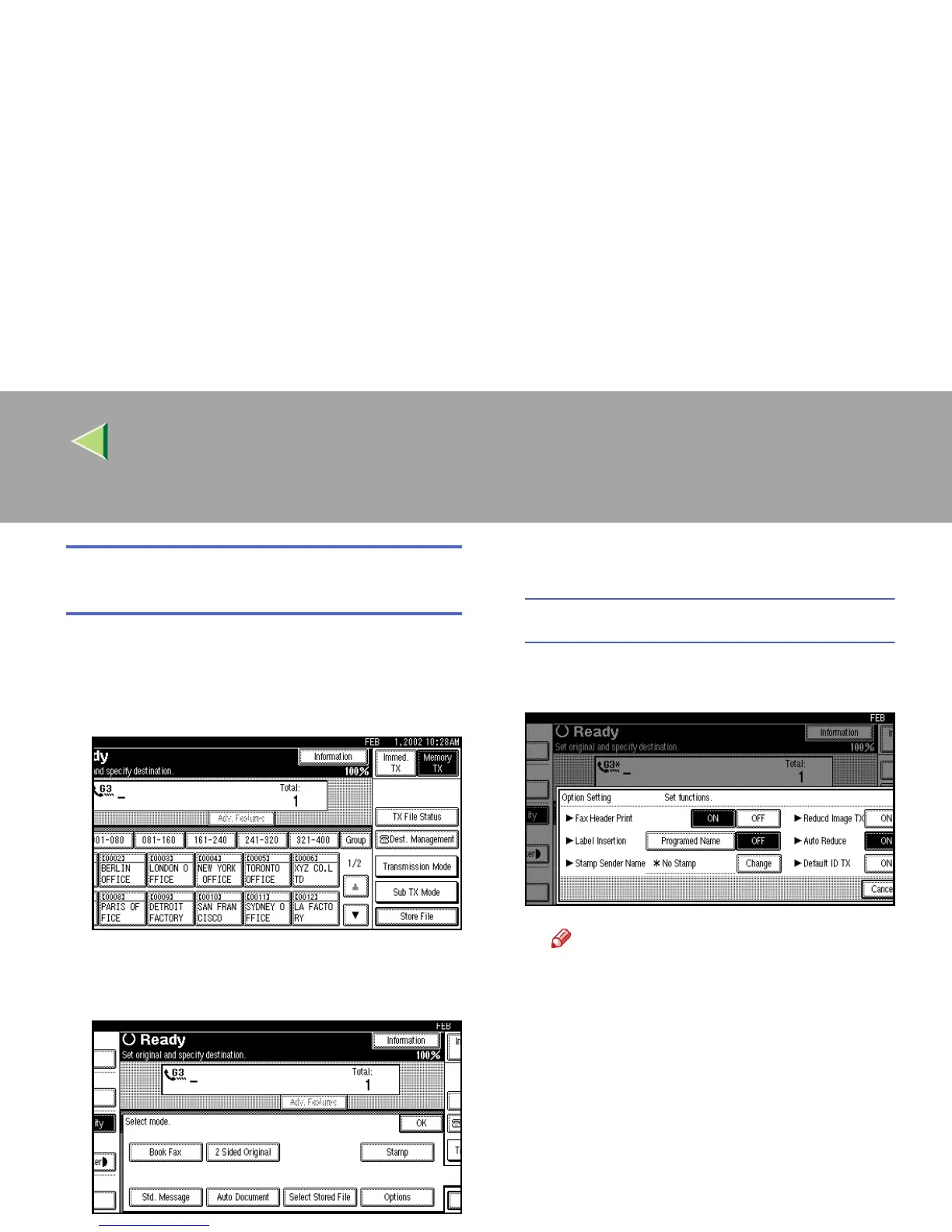
Press [Sub TX Mode].
The Sub Transmission Mode menu is shown.
C
CC
C
Select [Options].
D
DD
D
Select options to be set up.
Programming the Fax Header Print
A
AA
A Press [ON] to specify “Fax Header
Print”.
Note
❒ Press [OFF] if you do not want to print
the sender's name.
❒ To close the option settings, go to step
E
.



 To Next Page