Operating InstructionsFacsimile Reference (option) <Advanced Features>
119
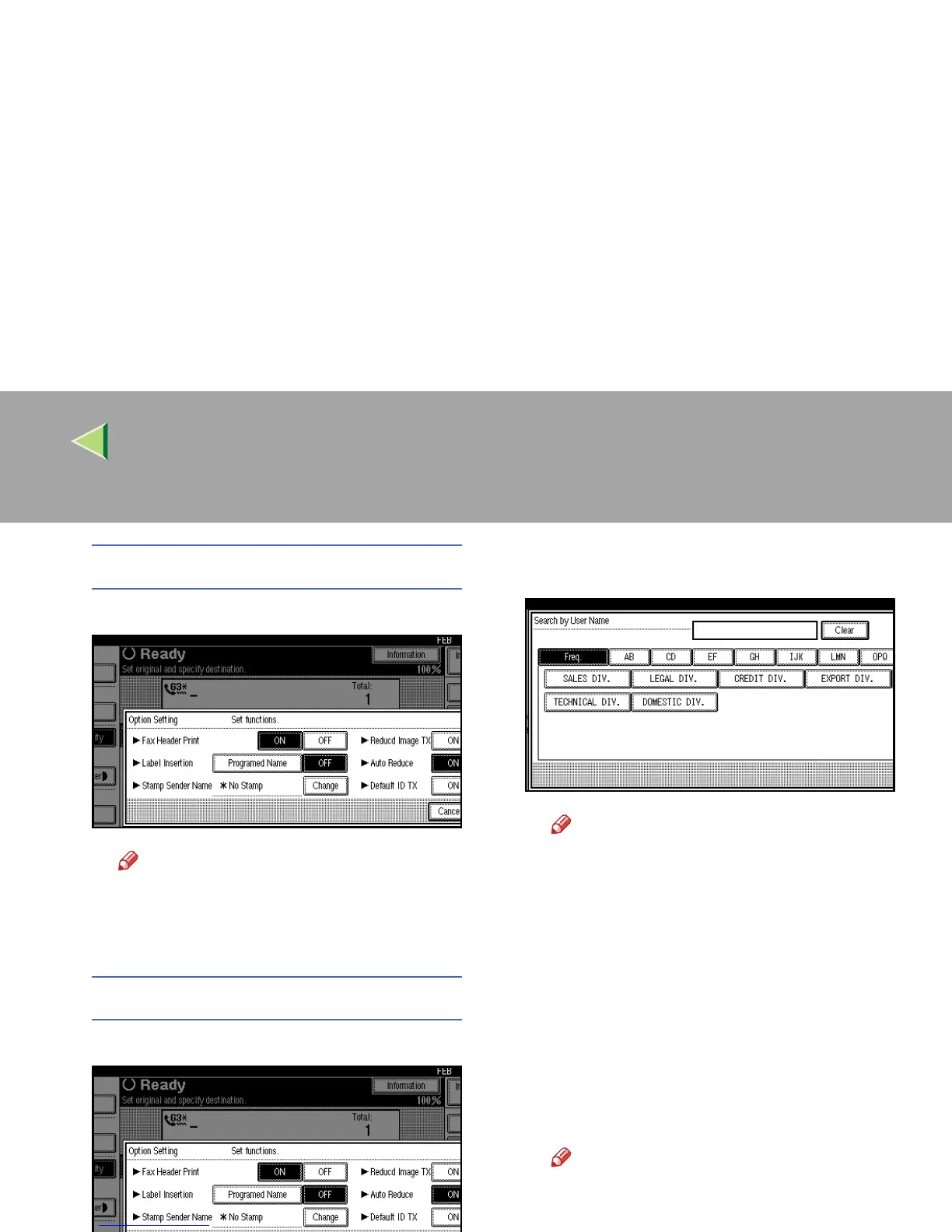
Programming the Label Insertion
A
AA
A
Press [
Programed Name
] in “Label Insertion”.
Note
❒ Press [
OFF
] if you do not want to insert
a destination.
❒
To close the option settings, go to step
E
.
Programming the Stamp Sender Name
A
AA
A Press [Change].
B
BB
B Press the name of the user to be
stamped.
Note
❒ The set User Name is displayed, when
the User Code has been stored. ⇒ “Us-
er Code” in Administrator Reference 2
Copier System Edition
❒ You can switch titles when you press
on the Title key.
❒ To stamp a non-registered User Name,
press [Programed External Name], and
then enter the User Name.
❒ If you do not want to stamp the sender's
stamp, press [No Stamp].
C
CC
C Press [OK].
Note
❒ To close the option settings, go to step
E
.



 To Next Page