Operating InstructionsFacsimile Reference (option) <Advanced Features>
120
Programming the Reduced Image TX
A
AA
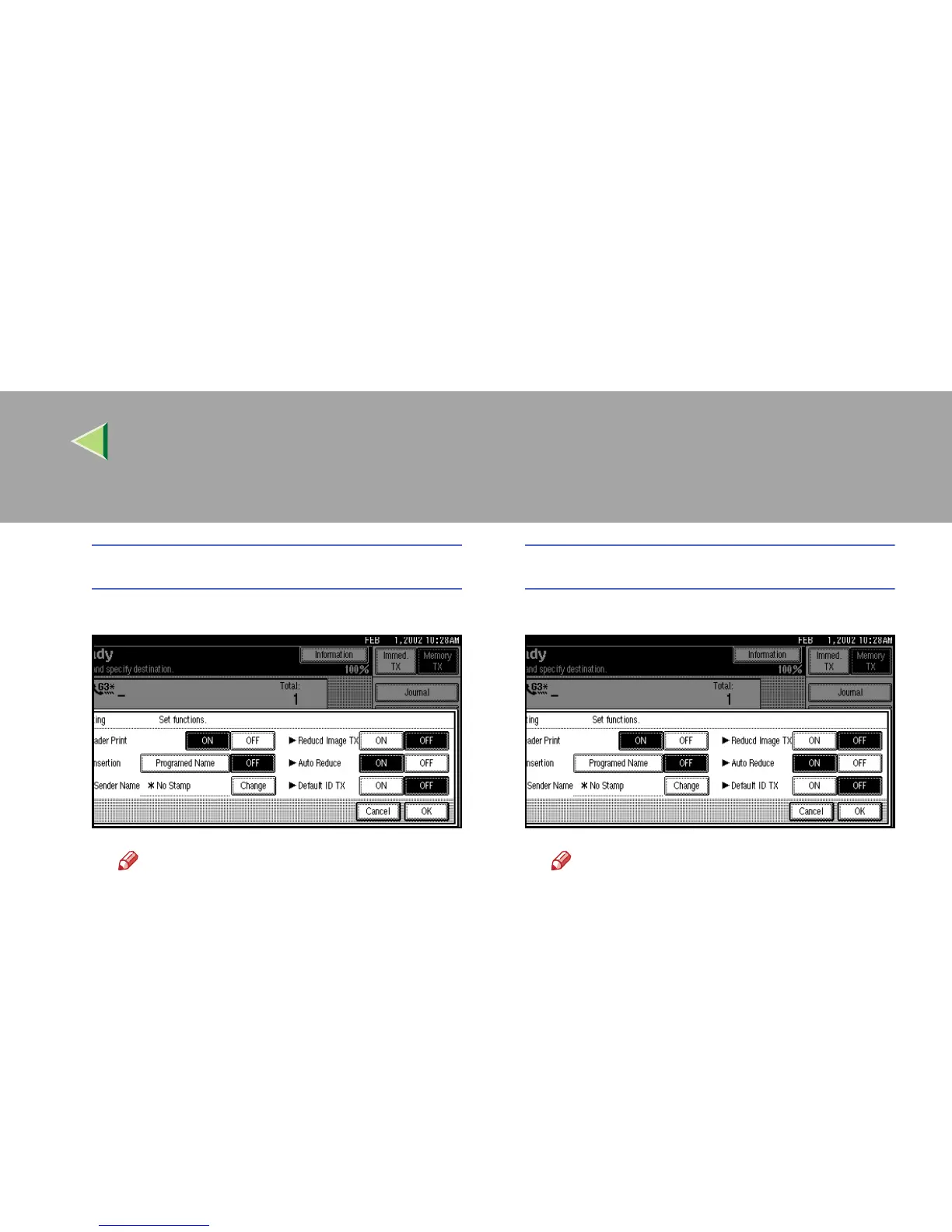
A Press [ON] in “Reducd Image TX”.
Note
❒ Press [
OFF
] if you do not want to do a
reduced transmission.
❒ To close the option settings, go to step
E
.
Programming the Auto Reduce
A
AA
A Press [ON] in “Auto Reduce”.
Note
❒ Press [
OFF
] if you do not want to use a
Auto Reduce function.
❒ To close the option settings, go to step
E
.



 To Next Page