Operating InstructionsFacsimile Reference (option) <Advanced Features>
154
A
AA
A
Prepare for registering the program.
Note
❒ The procedure for programming differs de-
pending on the items you want to register.
❒ Press the {
{{
{Clear Modes}
}}
} key to cancel pro-
gramming.
Example of registering a program
using Send Later with the fax number
“0123456789”.
A
AA
A Press {
{{
{0}
}}
}, {
{{
{1}
}}
}, {
{{
{2}
}}
}, {
{{
{3}
}}
}, {
{{
{4}
}}
}, {
{{
{5}
}}
}, {
{{
{6}
}}
},
{
{{
{7}
}}
}, {
{{
{8}
}}
}, {
{{
{9}
}}
} with the number keys.
B
BB
B Press [Transmission Mode].
C
CC
C Select [Send Later].
D
DD
D Enter the time to send.
Note
❒ If “Send Later” is already specified, that
time is shown. Press the {
{{
{Clear Modes}
}}
}
key to change “Send Later”.
B
BB
B
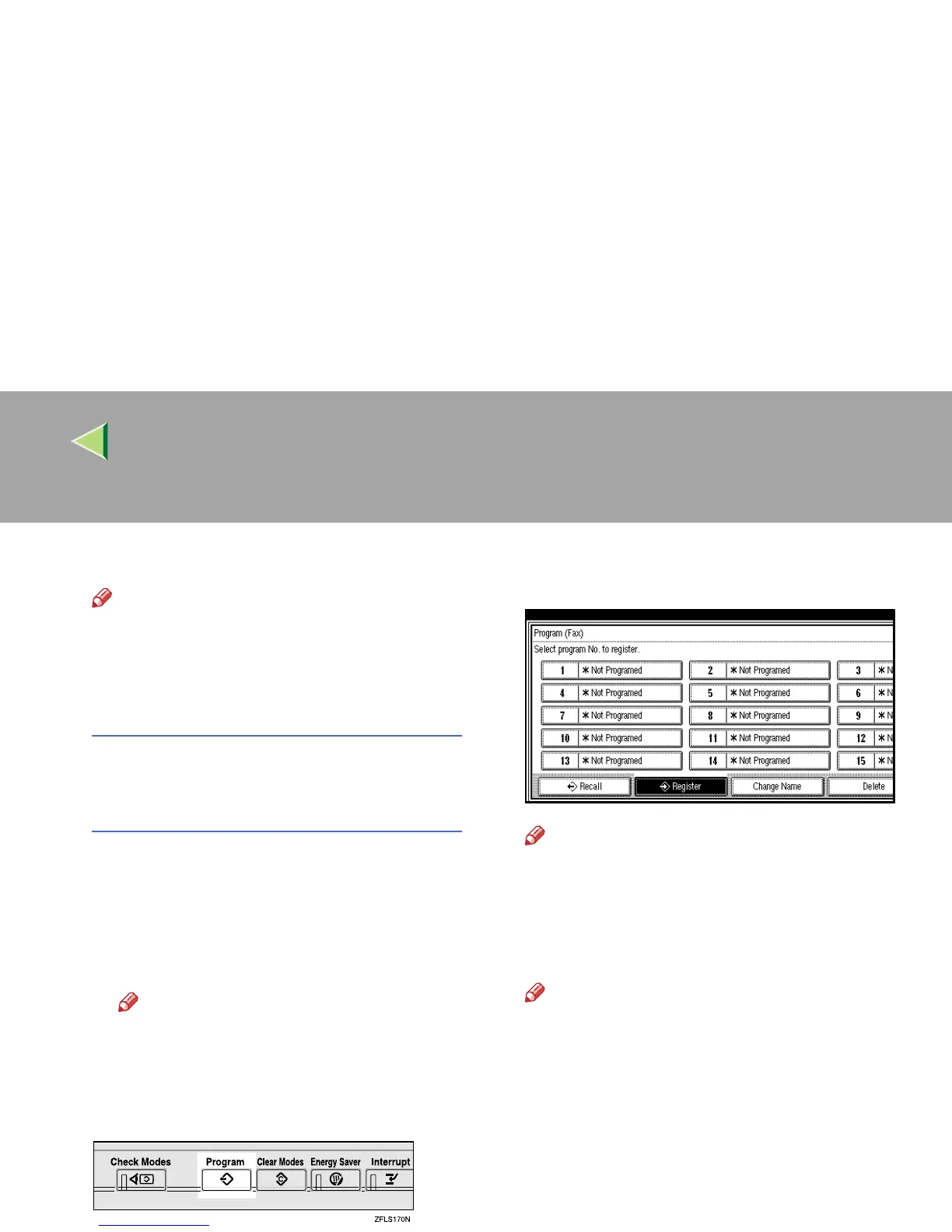
Press the {
{{
{Program}
}}
} key.
The program (Fax) is shown.
C
CC
C
Select a program number in which “*Not
Programed” is shown.
Note
❒ Press [U
UU
U Prev.
] or [T
TT
T Next
] to search, when
“*Not Programed” is not displayed
D
DD
D
Enter the program name.
The “Program Name” display is shown.
Note
❒ If you make a mistake, press [Backspace]
or [Delete All] and try again.
❒ You should register the program name.
E
EE
E
Press [OK].
The program has been registered.
F
FF
F
Press [Exit].
The initial display is shown.



 To Next Page