Operating InstructionsFacsimile Reference (option) <Advanced Features>
156
Changing a Program Name
Limitation
❒ When a registered program is being used for
a standby Memory Transmission, you cannot
change the program name.
A
AA
A
Make sure that the machine is in Facsimile
mode and the standby display is shown.
Note
❒ If the standby display is not shown, press
the {
{{
{Facsimile}
}}
} key.
B
BB
B
Press the {
{{
{Program}
}}
} key.
C
CC
C
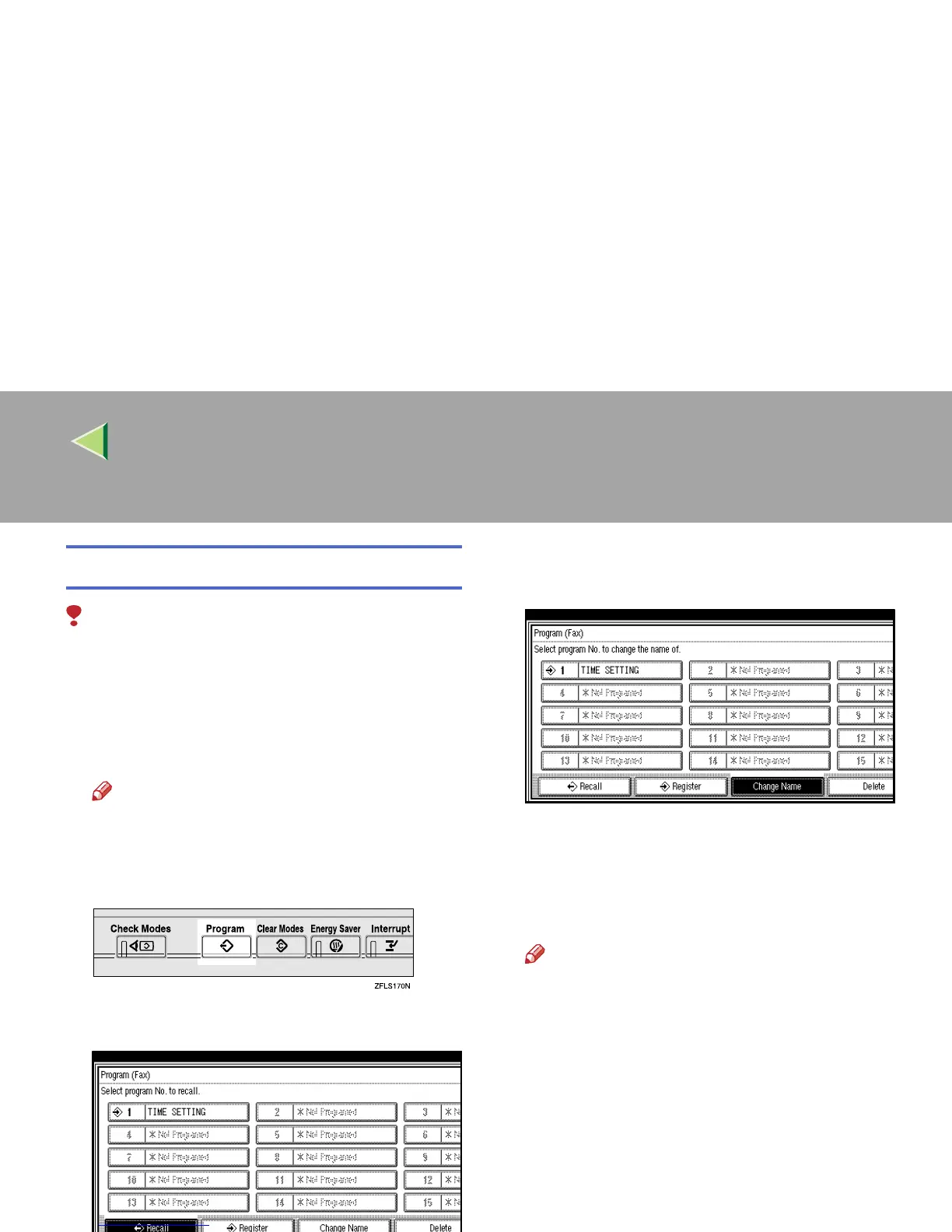
Press [Change Name].
D
DD
D
Select the program number for the name
you want to change.
Press [U
UU
U Prev.] or [T
TT
T Next] to search for the
program number to change when it is not dis-
played.
E
EE
E
Enter a new program name.
Note
❒ Press [Cancel] to cancel the change, and
proceed to step
G
.
F
FF
F
Press [OK].
The program name is changed.
G
GG
G
Press [Exit].
The initial display is shown.



 To Next Page