Operating InstructionsFacsimile Reference (option) <Advanced Features>
157
Deleting a Program
Limitation
❒ When a registered program is being used for
a standby Memory Transmission, the follow-
ing message appears: “
Specified des-
tination is used by transmission
standby file. It cannot be
changed or deleted. Specify it
again after transmission is com-
pleted.
”
Note
❒ If you delete a program, the registered pro-
gram name is also deleted.
A
AA
A
Make sure that the machine is in Facsimile
mode and the standby display is shown.
Note
❒ If the standby display is not shown, press
the {
{{
{Facsimile}
}}
} key.
B
BB
B
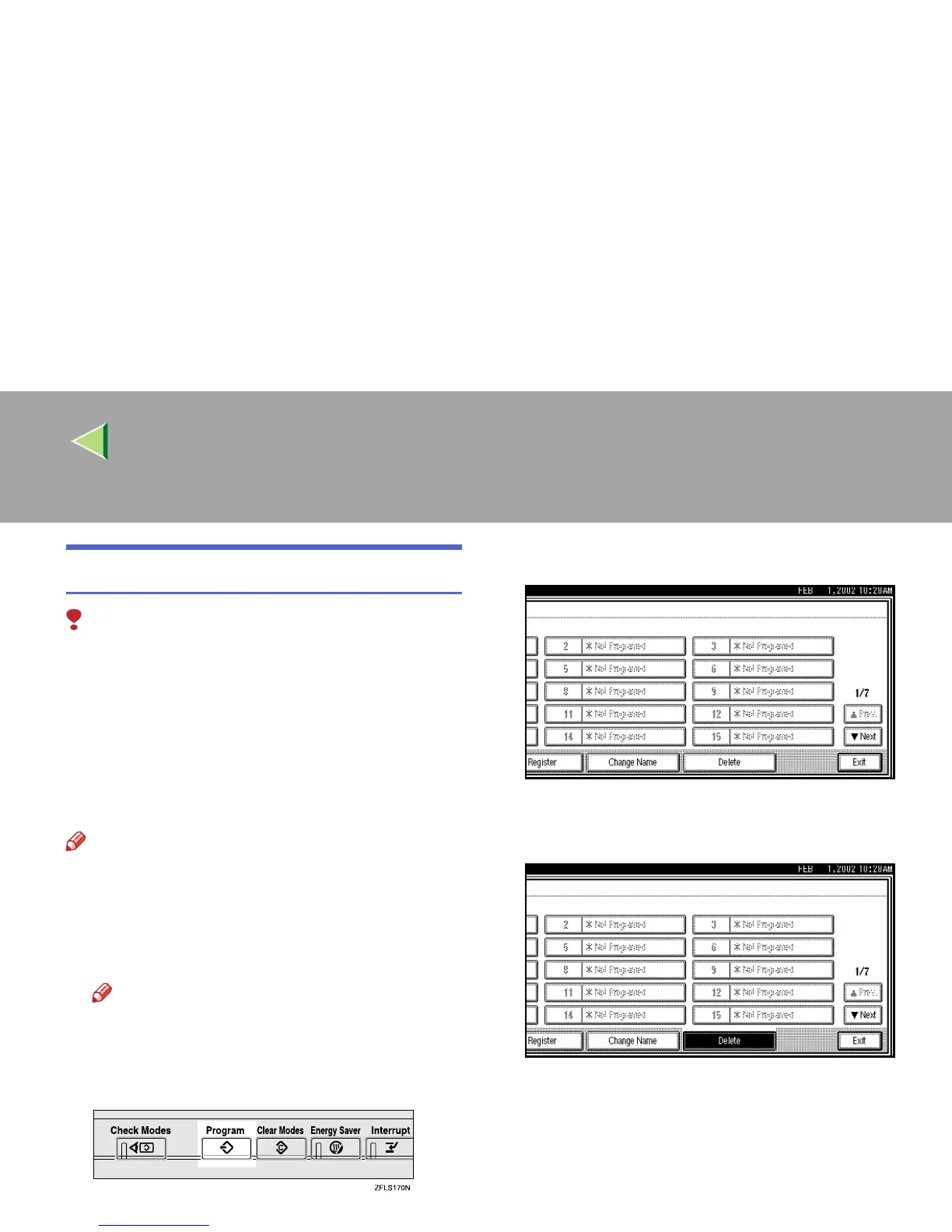
Press the {
{{
{Program}
}}
} key.
C
CC
C
Press [Delete].
D
DD
D
Select the program number you want to de-
lete.
Press [U
UU
U Prev.] or [T
TT
T Next] to search for the
program number to delete when it is not dis-
played.
The contents of the program are shown on the
display.



 To Next Page