Operating InstructionsFacsimile Reference (option) <Advanced Features>
180
A
AA
A
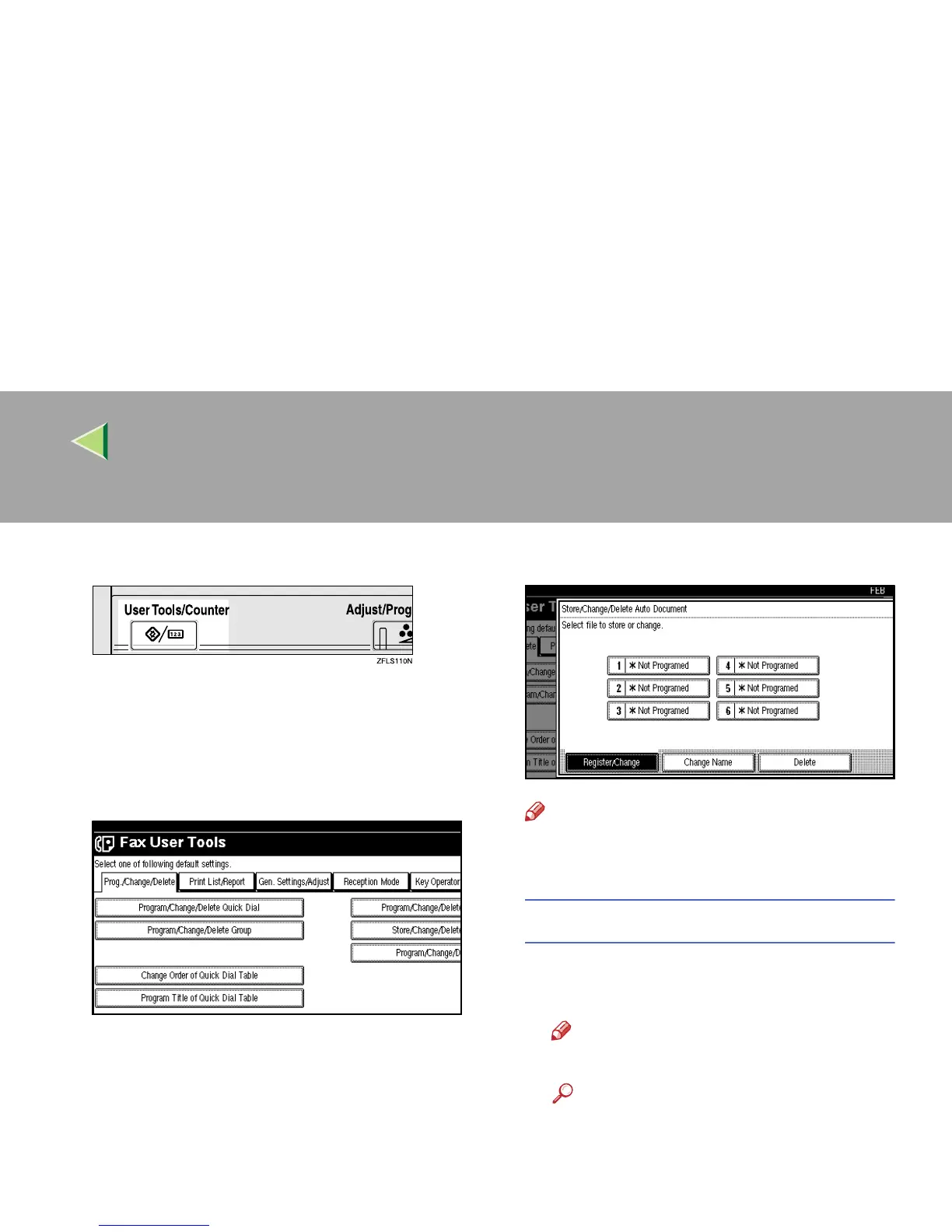
Press the {
{{
{User Tools/Counter}
}}
} key.
B
BB
B
Select [Facsimile Features].
The Facsimile Features menu is shown.
C
CC
C
Check that the “Prog./Change/Delete” tab
is shown.
D
DD
D
Select [Store/Change/Delete Auto Document].
E
EE
E
Select the file you want to store or change.
Note
❒ If there are stored files, the file names are
shown.
Storing a file
A
AA
A Select a [*Not Programed] key.
B
BB
B Enter a file name.
Note
❒ You should program the file name.
Reference
❒ ⇒ Chapter 3, “Entering Text” in the Ba-
sic Features manual
C
CC
C Press [OK].



 To Next Page