Operating InstructionsFacsimile Reference (option) <Advanced Features>
181
Changing a file
A
AA
A Select a file you want to change.
The message “A file is already stored. If
another file is stored, previous one will be
deleted. Is it OK?” is shown.
B
BB
B Press [Store].
If you want to cancel storing, press [Do not
Store].
Changing only a file name
A
AA
A Press [Change Name].
B
BB
B Select a file you want to change.
C
CC
C Enter a file name.
Reference
❒ ⇒ Chapter 3, “Entering Text” in the Ba-
sic Features manual
D
DD
D Press [OK].
Go to step
H
.
F
FF
F
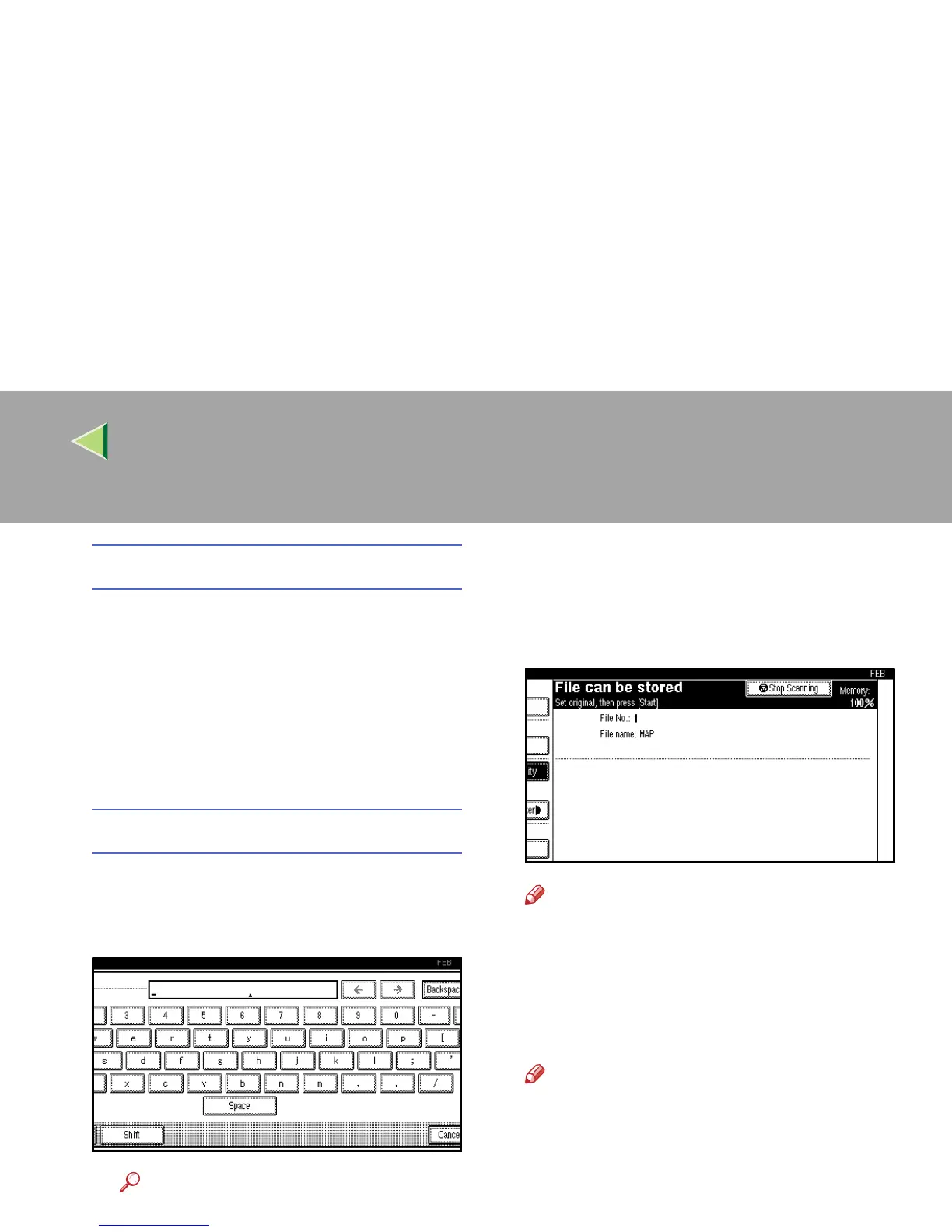
Place your original and select any scan set-
tings you require.
Note
❒ You can also specify a Scan Size. ⇒
Chapter 2, “Setting a Scan Area” in the Ba-
sic Features manual
G
GG
G
Press the {
{{
{Start}
}}
} key.
The machine starts to scan.
Note
❒ To cancel scanning, press [
Stop Scanning
].
H
HH
H
Press [Exit] after scanning is finished.
I
II
I
Press the {
{{
{User Tools/Counter}
}}
} key.
The initial display is shown.



 To Next Page