Operating InstructionsFacsimile Reference (option) <Advanced Features>
187
Reports/Lists
This function allows you to print the following
reports and lists manually. Select a report or list
as needed.
• Journal
⇒ p.45 “Printing the Journal”
• Quick Dial list
⇒ Chapter 3, “Quick Dial” in the Basic Fea-
tures manual
• Label Insertion list
⇒ Chapter 3, “Quick Dial” in the Basic Fea-
tures manual
• Group Dial list
⇒ Chapter 3, “Groups” in the Basic Features
manual
• Program list
⇒ p.153 “Programs”
• Auto Document list
⇒ p.179 “Storing and Changing an Auto
Document”
A
AA
A
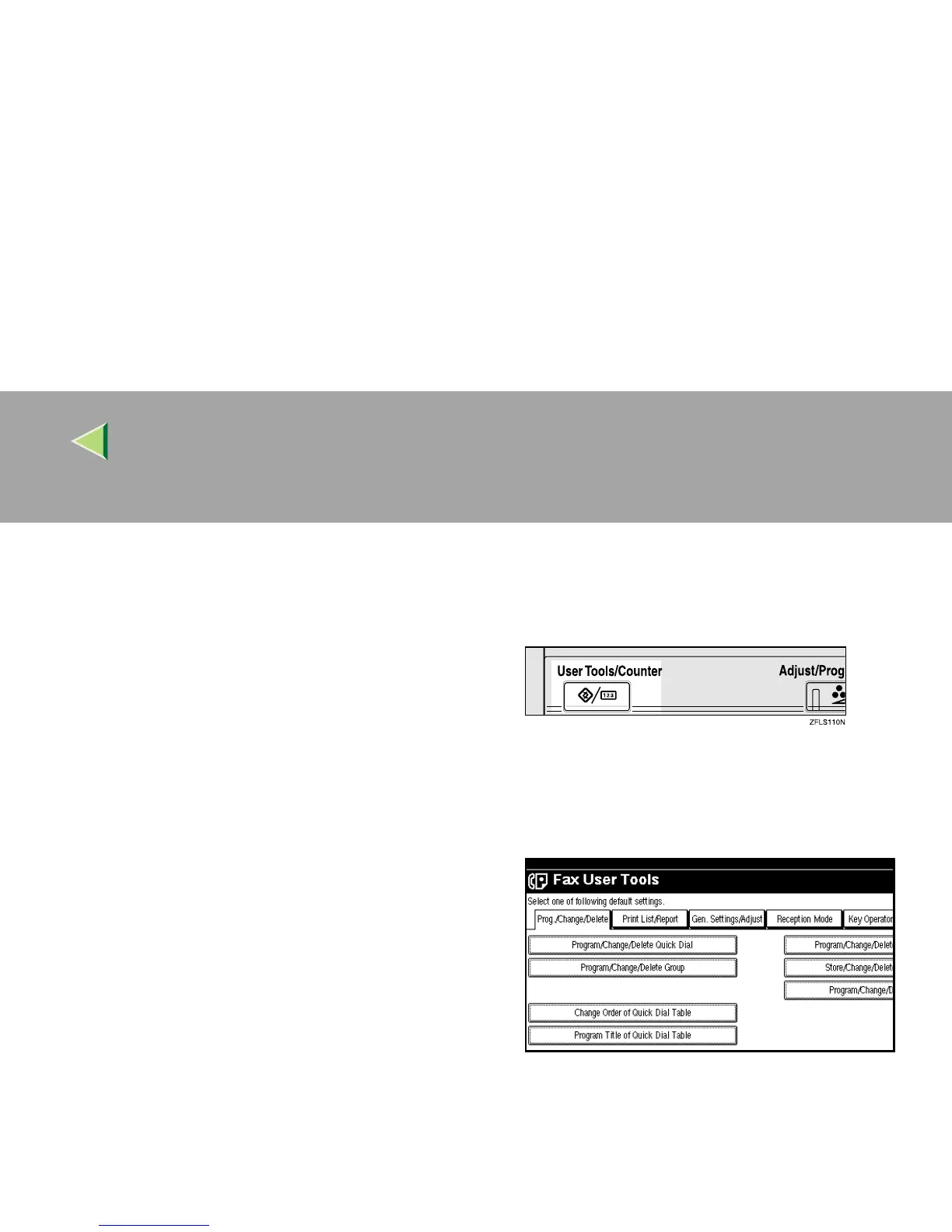
Press the {
{{
{User Tools/Counter}
}}
} key.
B
BB
B
Select [Facsimile Features].
The Facsimile Features menu is shown.
C
CC
C
Select [Print List/Report].



 To Next Page