Operating InstructionsFacsimile Reference (option) <Advanced Features>
188
D
DD
D
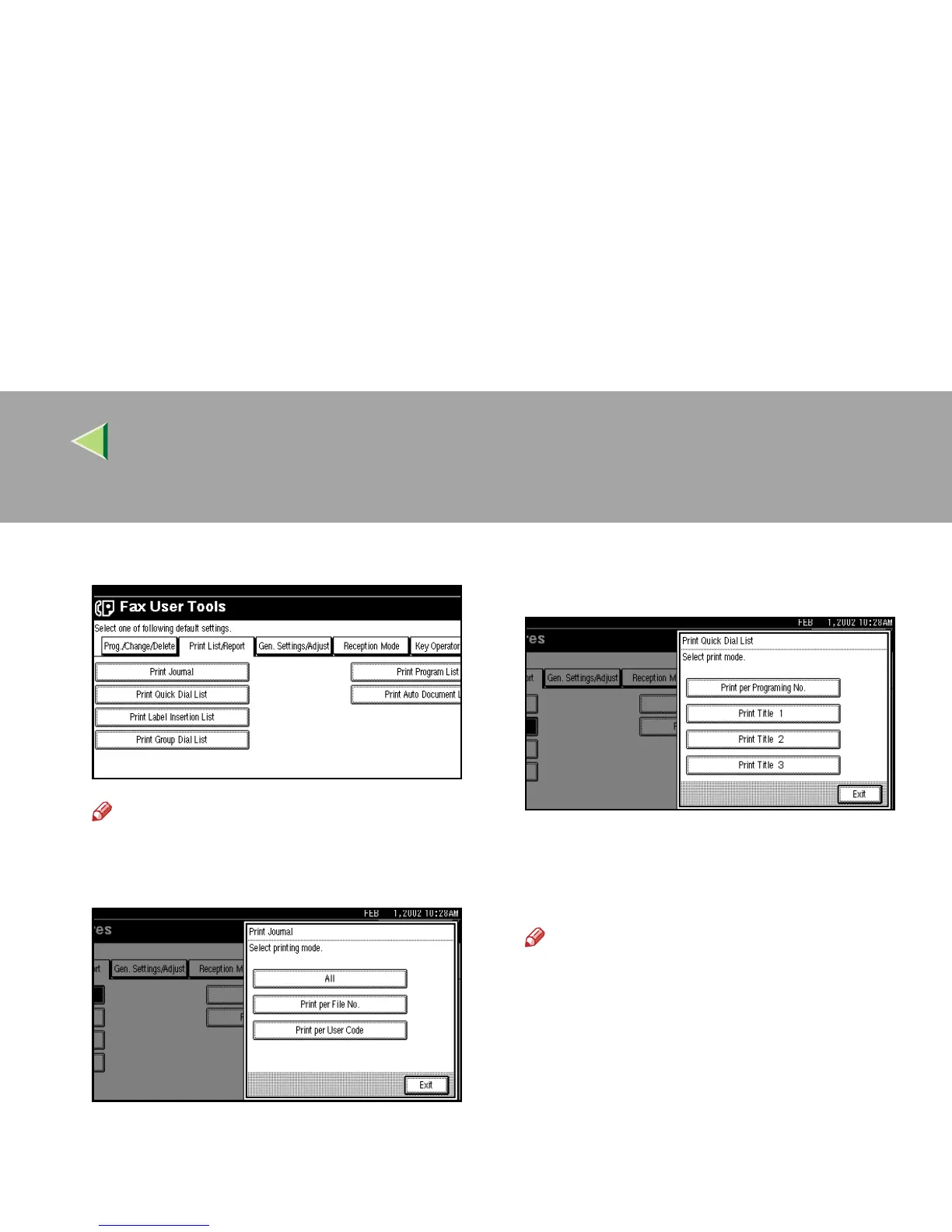
Select a list or report you want to print.
Note
❒ When printing the Journal, you can select
a printing mode from [
All
], [
Print per File
No.
], or [
Print per User Code
].
❒ When printing the Quick Dial list, you can
select from [Print per Programing No.], [Print
Title 1
], [
Print Title 2
] or [
Print Title 3
].
E
EE
E
Press the {
{{
{Start}
}}
} key.
After printing, the display will return to step
D
.
Note
❒ To cancel printing, press [
Cancel
]. The dis-
play will return to step
D
.
F
FF
F
Press the {
{{
{User Tools/Counter}
}}
} key.
The initial display is shown.



 To Next Page