Operating InstructionsFacsimile Reference (option) <Advanced Features>
209
Note
❒ To use this function, select “ON” for the “For-
warding” function in “Reception Mode”. ⇒
p.198 “Reception Mode”
❒ You can specify the End Receiver separately,
according to the Special Sender. If you do not
specify the Special Sender, the messages are
forwarded to the specified receiver.⇒ p.223
“Special Senders to Treat Differently”
❒ One receiver can be specified with this func-
tion. For multiple receivers, use Group Dial.
⇒ Chapter 3, “Groups” in the Basic Features
manual
❒ You can print a Forwarding Mark on messag-
es that are forwarded. ⇒ p.216 “Changing the
User Parameters” (Switch02, Bit0)
❒ You can specify whether or not to print for-
warded messages.⇒ p.216 “Changing the
User Parameters” (Switch11, Bit6)
Programming Forwarding Stations
A
AA
A
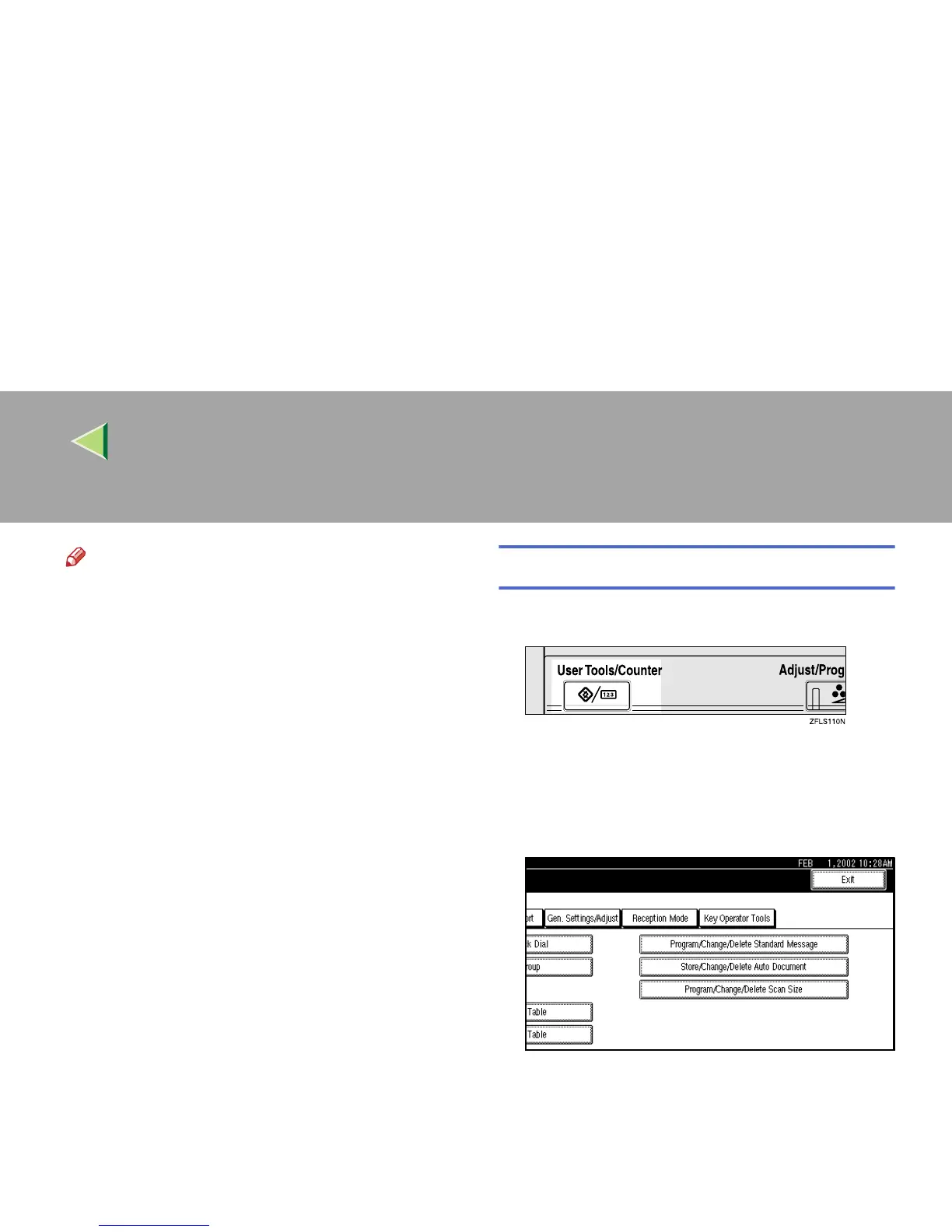
Press the {
{{
{User Tools/Counter}
}}
} key.
B
BB
B
Press [Facsimile Features].
The Facsimile Features menu is shown.
C
CC
C
Select [Key Operator Tools].
The Key Operator Tools menu is shown.



 To Next Page