Operating InstructionsFacsimile Reference (option) <Advanced Features>
220
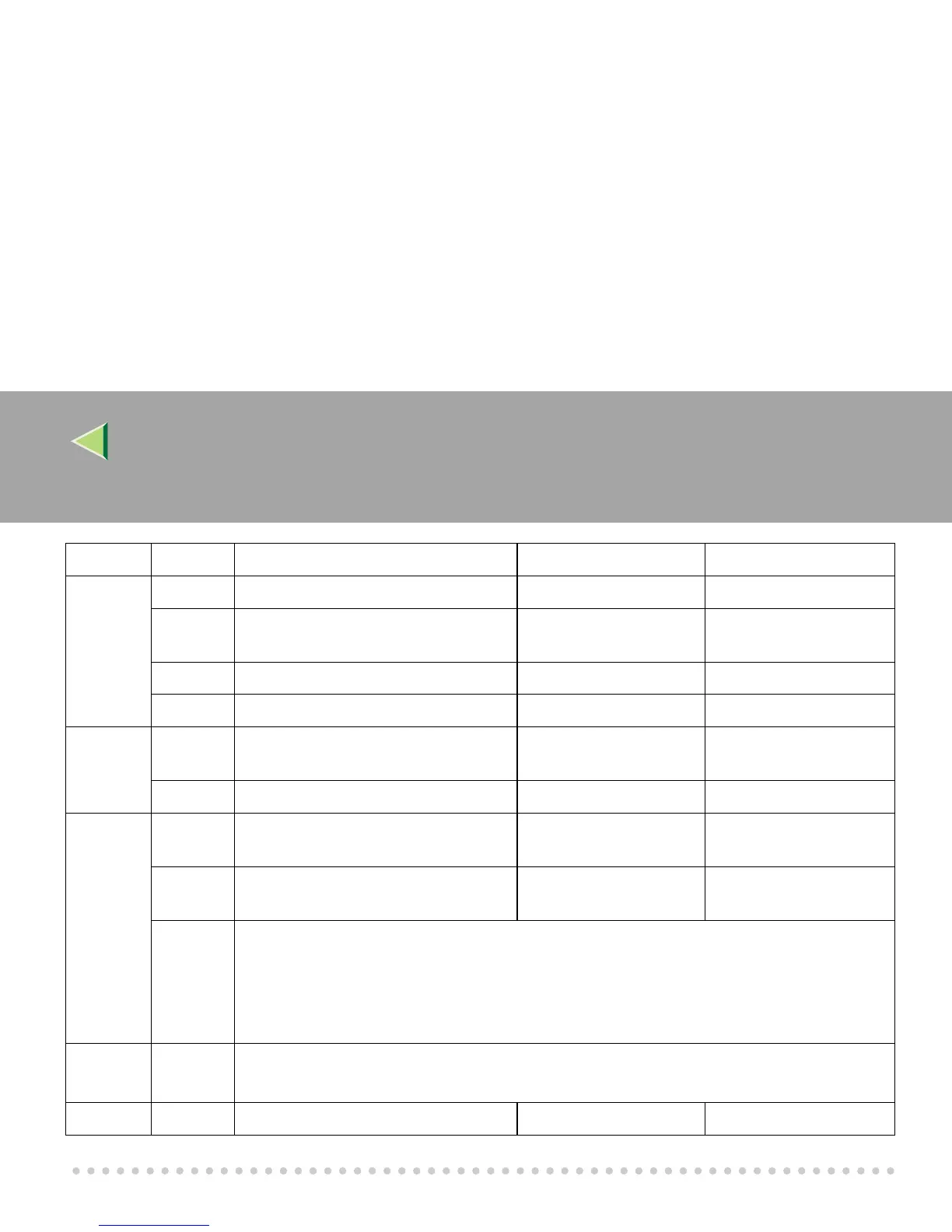
18 0 Print data with Fax Header Off On
1 Print transmitter origin with Fax
Header
Off On
2 Print file number with Fax Header Off On
3 Print page number with Fax Header Off On
19 0 Use paper delivery shift function (Off-
set Print)
Off On
1 Sort Journal by line type Off On
20 0 Automatic printing of the PC FAX Er-
ror Report
Off On
1 Reprint the documents that fail to print
from LAN FAX driver
Off On
5, 4, 3, 2 Store the documents in memory that could not be printed from the LAN FAX driver
0000: 0 minute / 0001: 1 minutes / 0010: 2 minutes / 0011: 3 minutes / 0100: 4 minutes /
0101: 5 minutes / 0110: 6 minutes / 0111: 7 minutes / 1000: 8 minutes / 1001: 9 minutes /
1010: 10 minutes / 1011: 11 minutes / 1100: 12 minutes / 1101: 13 minutes / 1110: 14 minutes
/ 1111: 15 minutes
24 1, 0 Store a message in memory that could not be transmitted
00: Off, 01: Store for 24 hours, 11: Store for 72 hours
25 4 RDS Off On
Switch Bit Item 0 1



 To Next Page