Operating InstructionsFacsimile Reference (option) <Advanced Features>
221
Changing the User Parameters
Important
• We recommend that you print and keep
User Parameter list when you program or
change a User Parameter. ⇒ p.222 “Print-
ing the User Parameter list”
• Do not change any bit switches other than
those shown on the previous pages.
A
AA
A
Press the {
{{
{User Tools/Counter}
}}
} key.
B
BB
B
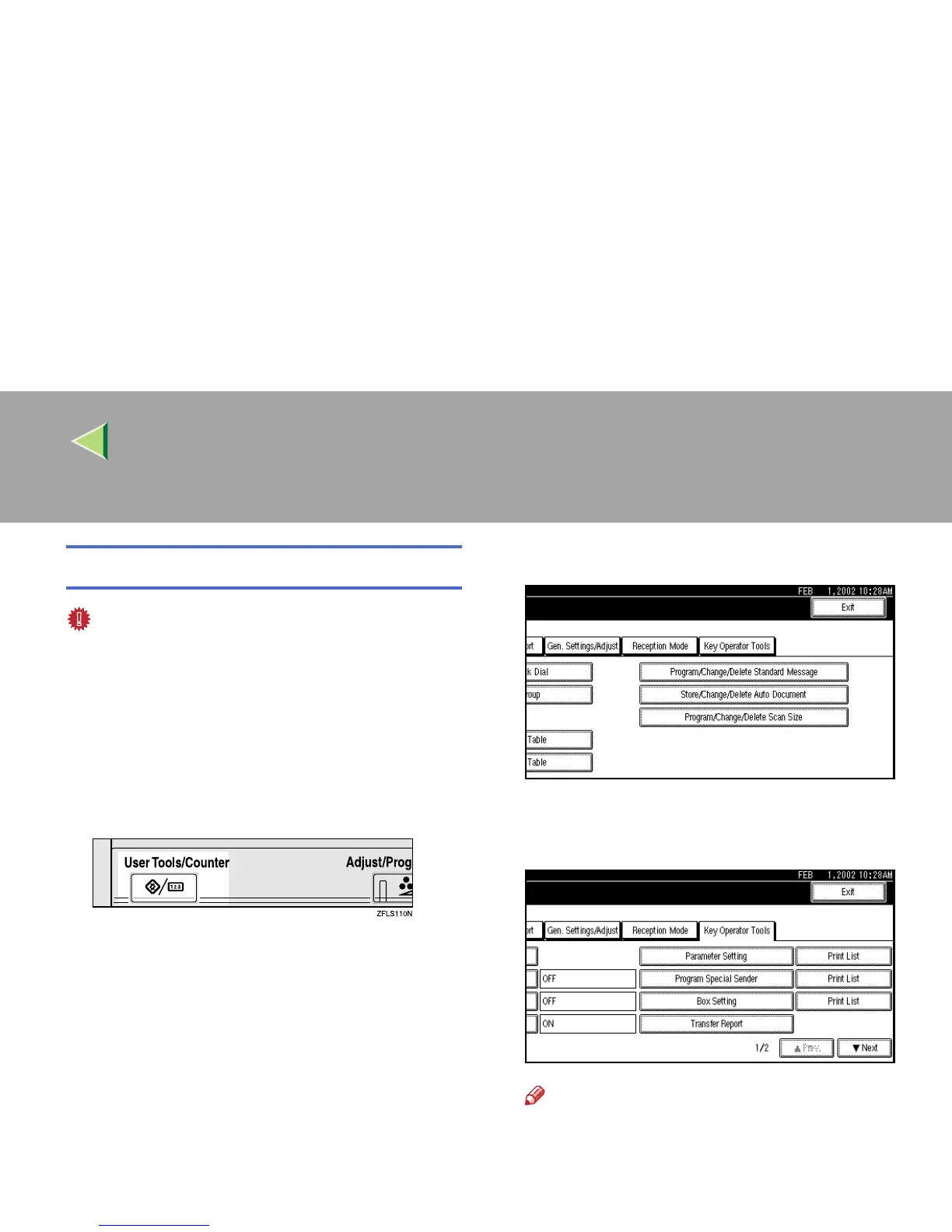
Press [Facsimile Features].
The Facsimile Features menu is shown.
C
CC
C
Select [Key Operator Tools].
The Key Operator Tools menu is shown.
D
DD
D
Select [Parameter Setting].
Note
❒ If “Parameter Setting” is not shown, press
[U
UU
U Prev.] or [T
TT
T Next].



 To Next Page