Operating InstructionsFacsimile Reference (option) <Advanced Features>
222
E
EE
E
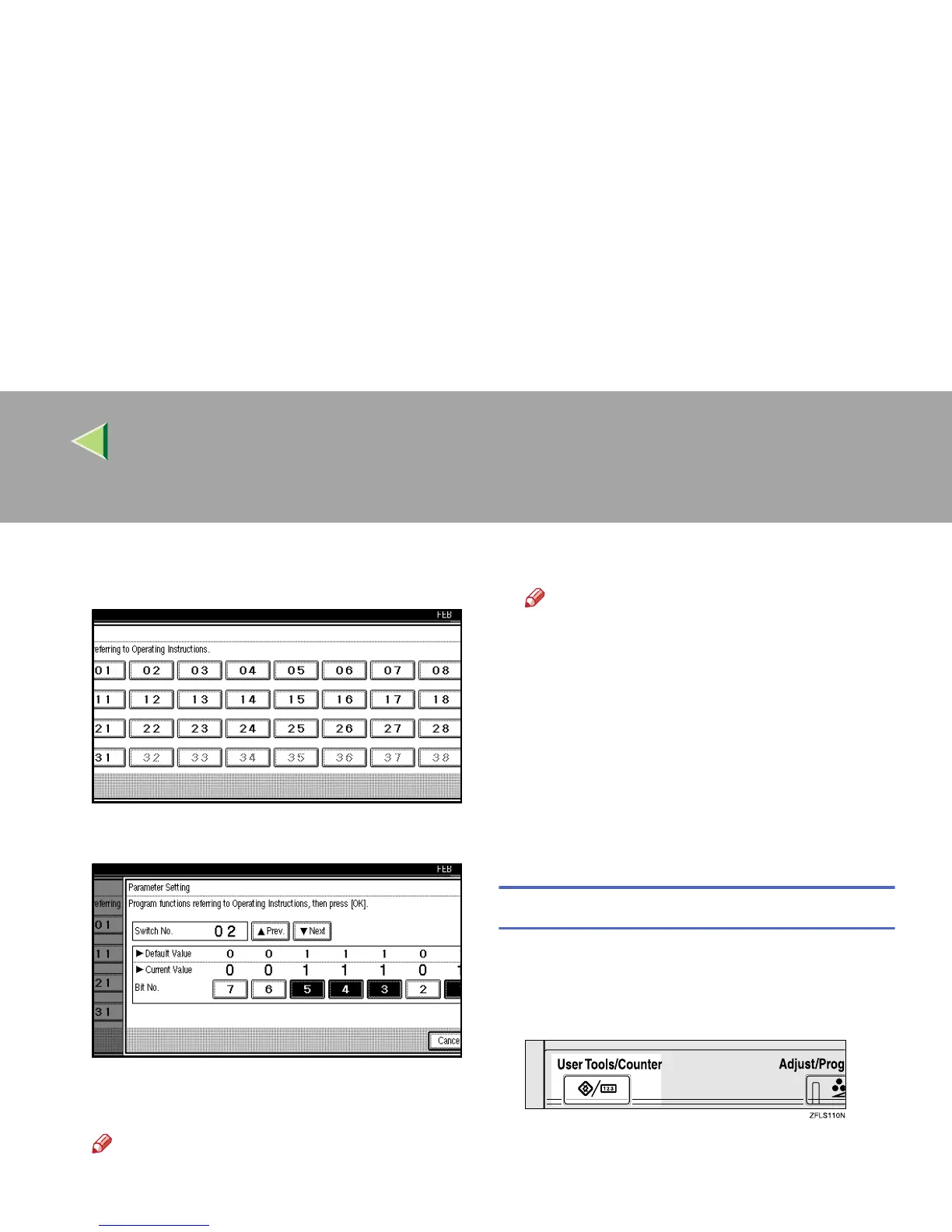
Select the Switch number you want to
change.
F
FF
F
Select the Bit number you want to change.
When the Bit number is pressed, the current
value switches between 1 and 0.
Note
❒ Repeat from step
F
to change another Bit
number for the same Switch.
G
GG
G
Press [OK].
Note
❒ To cancel these settings, press [
Cancel
].
The display will return to step
E
.
H
HH
H
Repeat steps
E
EE
E
and
F
FF
F
to change the Switch
settings.
I
II
I
After all the settings are finished, press [Ex-
it].
J
JJ
J
Press the {
{{
{User Tools/Counter}
}}
} key.
The initial display is shown.
Printing the User Parameter list
Print this list to see the current User Parameter
settings.
A
AA
A
Press the {
{{
{User Tools/Counter}
}}
} key.
B
BB
B
Press [Facsimile Features].
The Facsimile Features menu is shown.



 To Next Page