Operating InstructionsFacsimile Reference (option) <Advanced Features>
223
C
CC
C
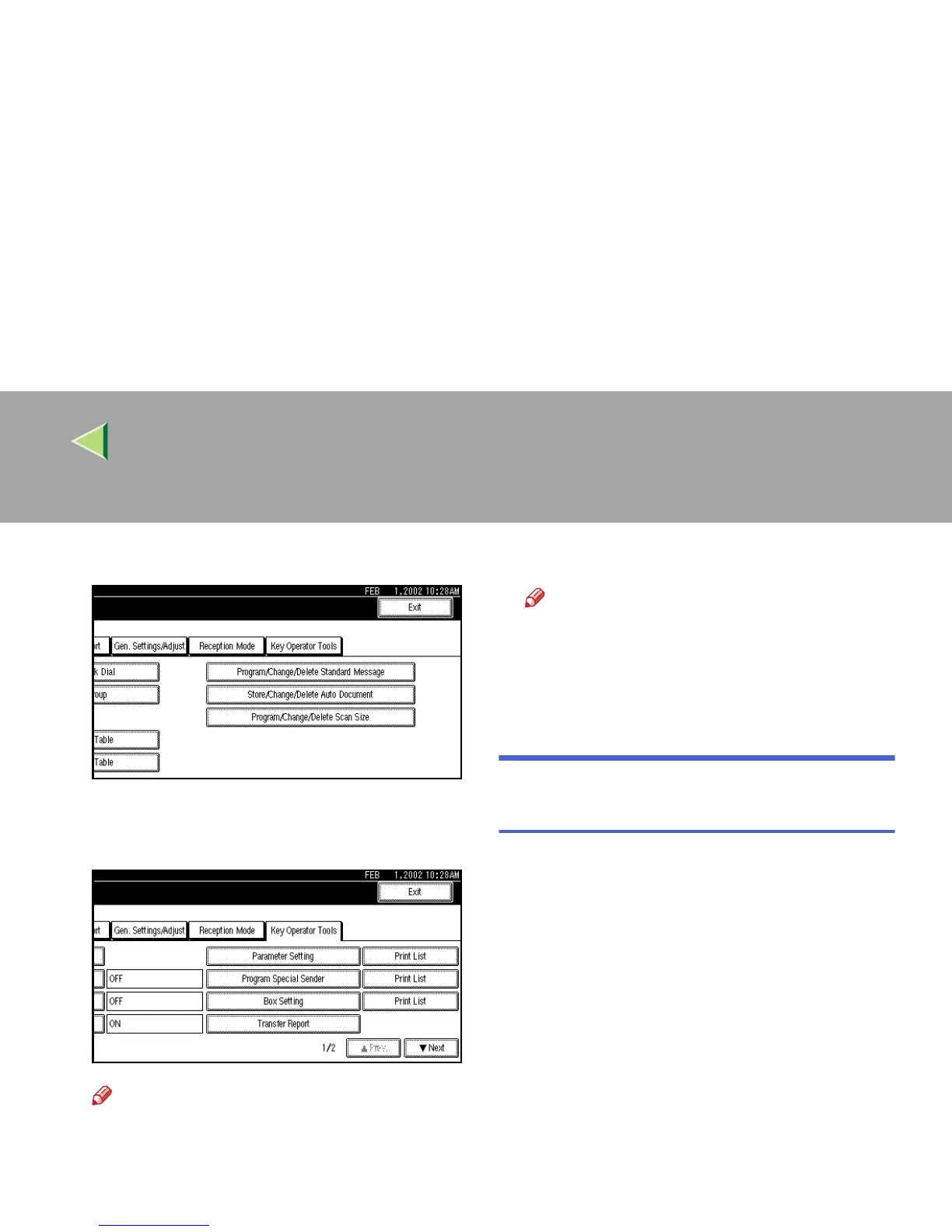
Select [Key Operator Tools].
The Key Operator Tools menu is shown.
D
DD
D
Press [Print List] next to [Parameter Setting].
Note
❒ If “Parameter Setting” is not shown, press
[U
UU
U Prev.] or [T
TT
T Next].
❒ To cancel printing a list, press [Cancel].
The display will return to step
D
.
E
EE
E
Press the {
{{
{Start}
}}
} key.
Note
❒ To cancel printing a list, press [
Cancel
].
The display will return to step
D
.
F
FF
F
Press the {
{{
{User Tools/Counter}
}}
} key.
The initial display is shown.
Special Senders to Treat Differ-
ently
By programming particular receivers in advance,
you can set the following feature for each receiv-
er.
• Authorized RX
• Forwarding
• Reception File Print Qty
• Print 2 sided
• Memory Lock
• RX Reverse Printing
• Paper Tray



 To Next Page