Operating InstructionsFacsimile Reference (option) <Advanced Features>
232
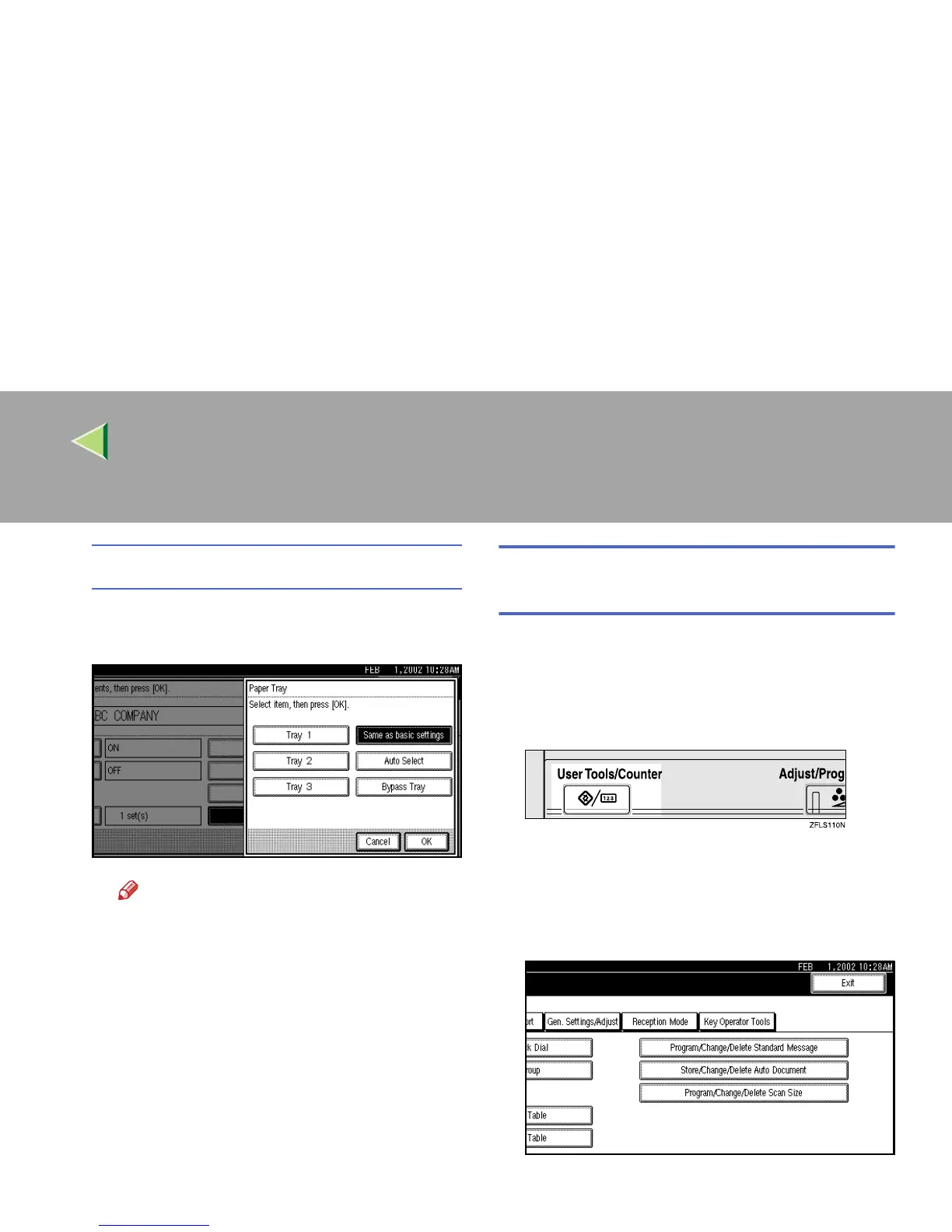
Paper Tray
A
AA
A Press [Paper Tray].
B
BB
B Select the tray you want to use.
Note
❒ You can select [
Tray 1
], [
Tray 2
], [
Tray 3
],
[
Bypass Tray
] or [
Auto Select
].
C
CC
C Press [OK].
J
JJ
J
Press [OK].
A Special Sender has been programmed.
K
KK
K
Press the {
{{
{User Tools/Counter}
}}
} key.
The initial display is shown.
Programming “Initial Set Up” of a Special
Sender
Use this function to program “Initial Set Up” of a
Special Sender. You can also specify the Bypass
Tray Paper Size.
A
AA
A
Press the {
{{
{User Tools/Counter}
}}
} key.
B
BB
B
Press [Facsimile Features].
The Facsimile Features menu is shown.
C
CC
C
Select [Key Operator Tools].



 To Next Page