Operating InstructionsFacsimile Reference (option) <Advanced Features>
233
D
DD
D
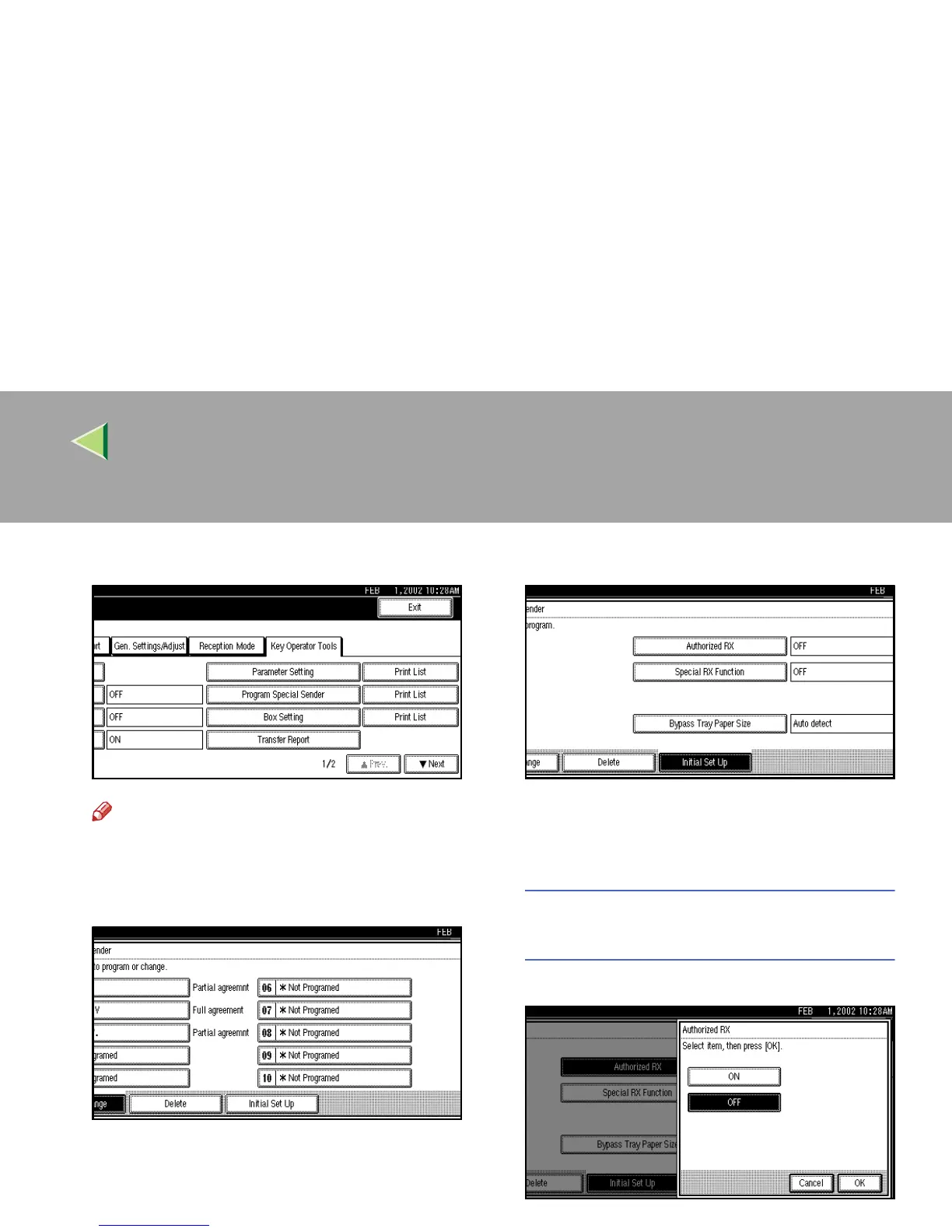
Select [Program Special Sender].
Note
❒ If “Program Special Sender” is not shown,
press [U
UU
U Prev.
] or [T
TT
T Next
].
E
EE
E
Press [Initial Set Up].
F
FF
F
Select a function you want to program.
In this feature, “Authorized RX” has the same
settings as “Reception Mode”. ⇒ p.198 “Re-
ception Mode”
Programming “Authorized RX” and
“Special RX Function”
A
AA
A Select [ON] or [OFF].
The illustration shows the “Authorized
RX” display as a sample.



 To Next Page