Operating Instructions Maintenance Guide 2 Copier System Edition
84
D
DD
D
Lower the part in the illustration back into
place.
If you cannot remove the misfed paper, go to
step
E
.
E
EE
E
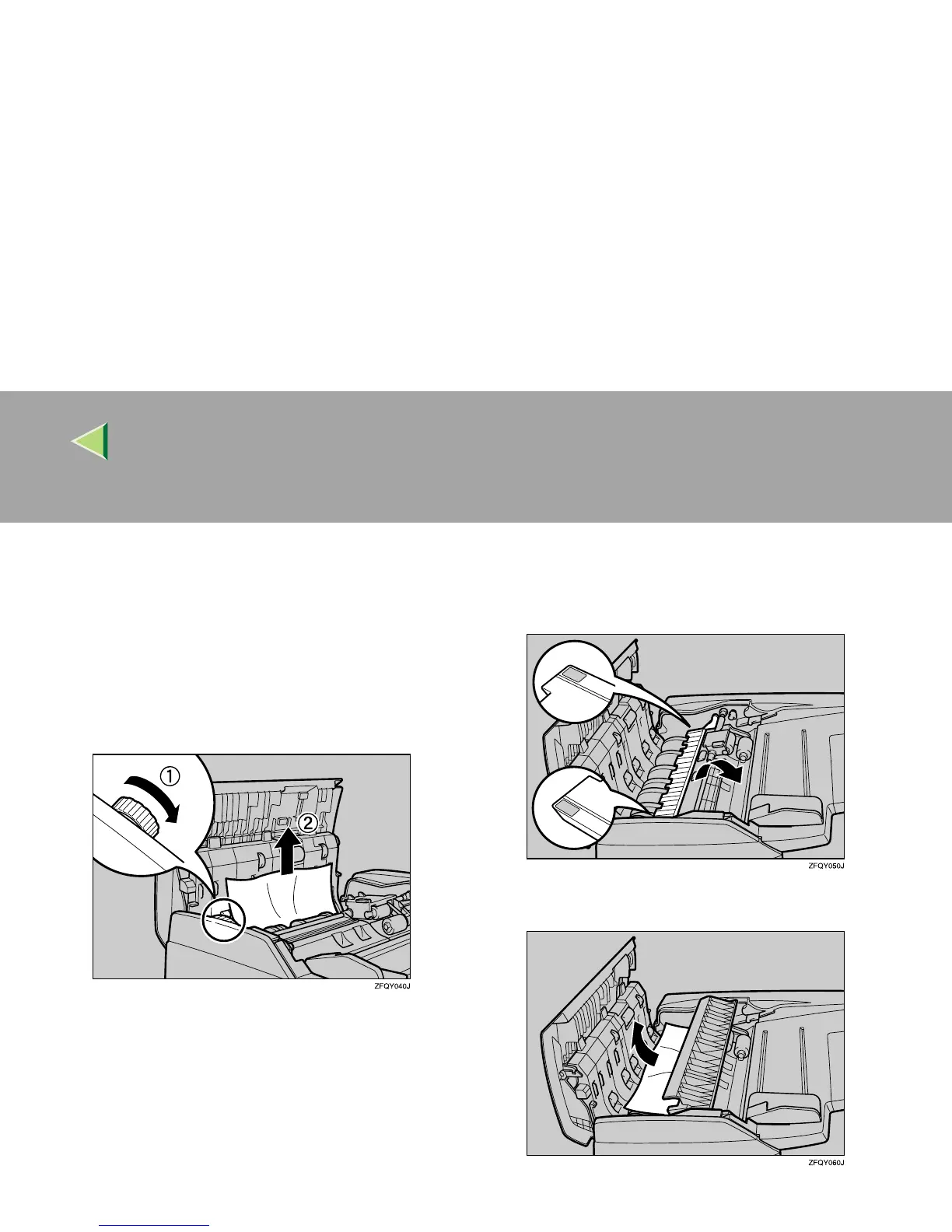
Turn the dial in the direction of the arrow,
feed the misfed paper, and then slowly re-
move the paper.
If you cannot remove the paper, go to step
F
.
F
FF
F
Hold the blue parts of the panel, and then
move the panel in the direction of the ar-
row in the illustration.
G
GG
G
Slowly remove the misfed paper.



 To Next Page