Configuring the Network
29
2
Assigning a Delivery Server IP Address
Note
❒ You must also set the Delivery Server IP address on ScanRouter V2
Lite/Professional. The relevant setting on the machine will be overwritten
by the Delivery Server IP address set on ScanRouter V2 Lite/Professional.
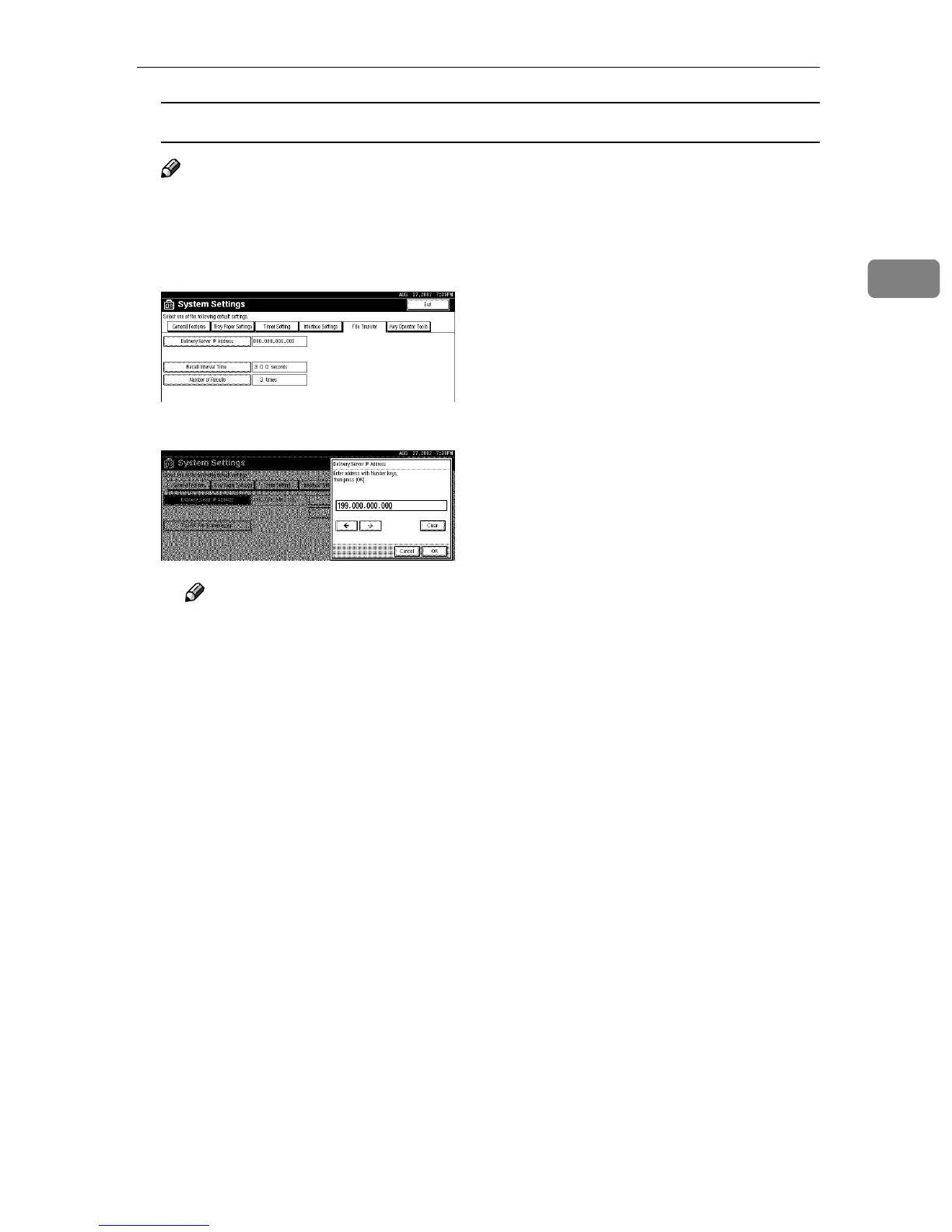
A Press [Delivery Server IP Address].
B Use the number keys to enter the Delivery Server IP address.
Note
❒ Press the [←
←←
←] or [→
→→
→] key to move to the adjacent entry field.
❒ To correct the Delivery Server IP address entered, press [Clear], and then
enter the correct Delivery Server IP address.
C Press [OK].



 To Next Page