Getting Started
30
2
Making Settings to Transmit Received Facsimile Files
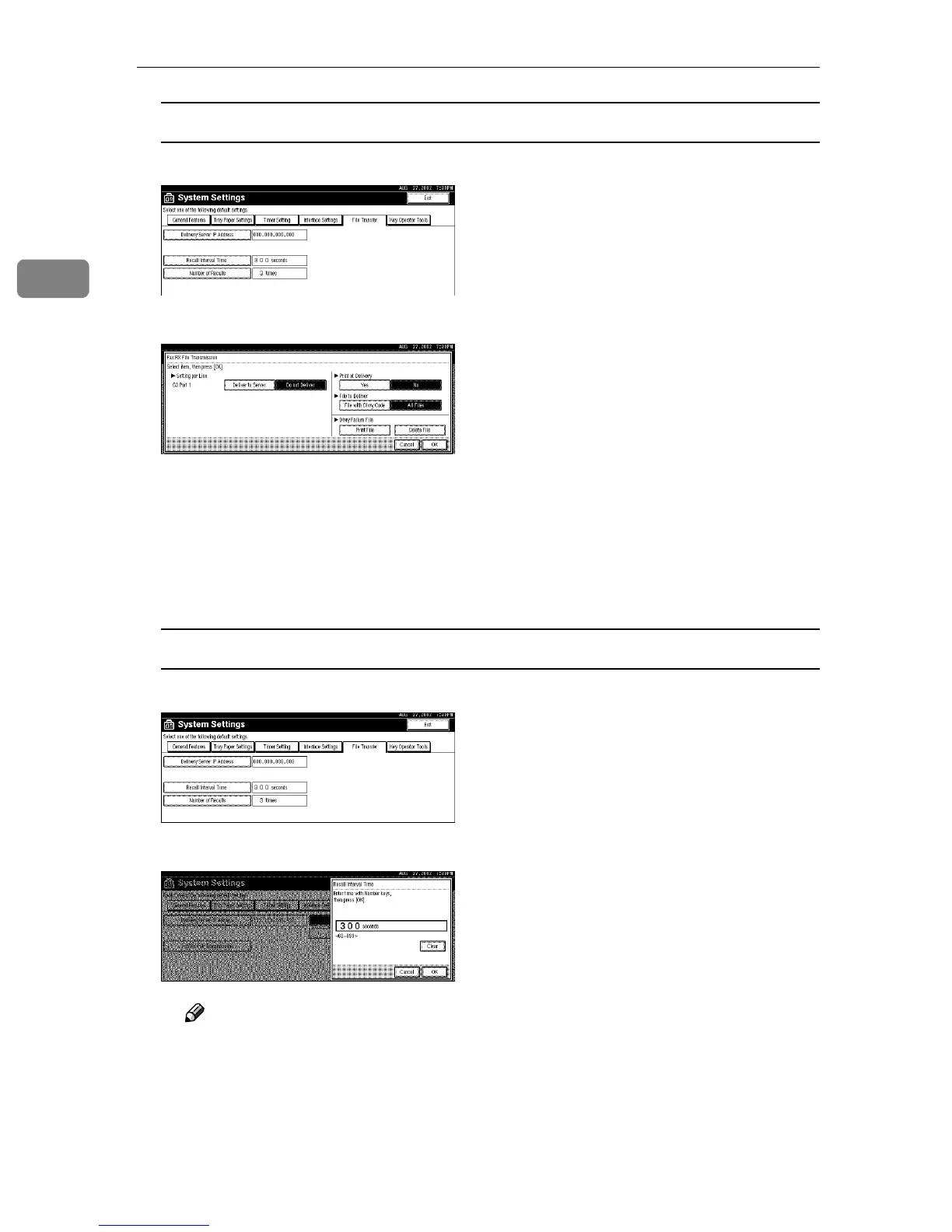
A Press [Fax RX File Transmission].
B Make the following settings as required:
• Setting per Line
• Print at Delivery
• File to Deliver
• Delivery Failure File
C Press [OK].
Setting the Recall Interval Time
A Press [Recall Interval Time ].
B Use the number keys to enter the Recall Interval Time.
Note
❒ To correct the Recall Interval Time entered, press [Clear], and then enter
the correct Recall Interval Time.
C Press [OK].



 To Next Page