Configuring the Network
31
2
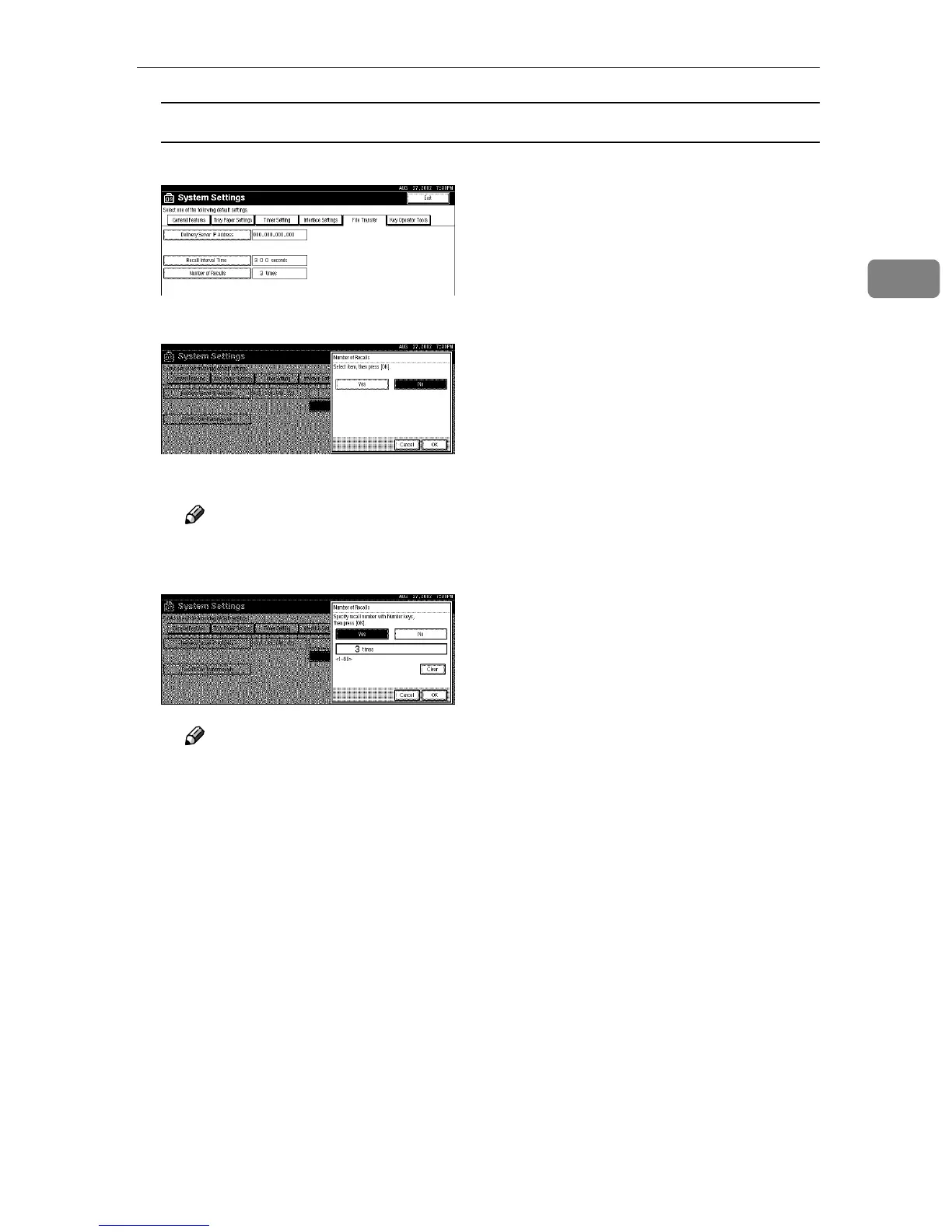
Setting the Number of Recalls
A Press [Number of Recalls].
B To resend files to the Delivery Server, press [Yes].
The menu to specify the Number of Recalls appears.
Note
❒ To not resend files, press [No] and go to step D.
C Use the number keys to enter the Number of Recalls.
Note
❒ To correct the entered Number of Recalls, press [Clear], and then enter
the correct Number of Recalls.
D Press [OK].
D
DD
D
Press [Exit].
E
EE
E
Press the {
{{
{User Tools/Counter}
}}
} key.
The new settings become effective and the display returns to the main func-
tion menu.



 To Next Page