Replacing Consumables and Maintenance Kit
10
1
P
PP
P
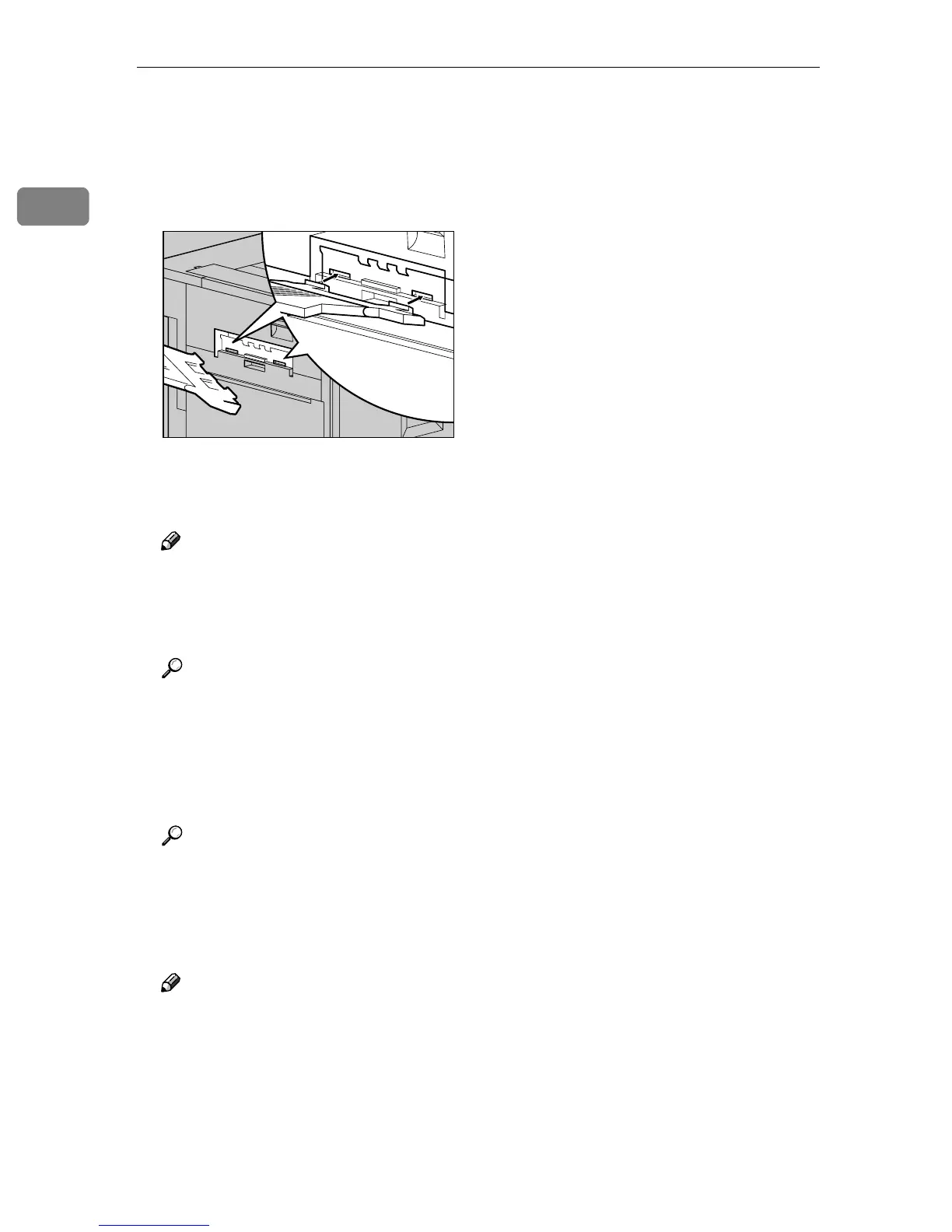
If you removed the External Tray
in step
D
DD
D
, reattach it to the printer.
Insert the hooks of the External
Tray into the printer slits, and
lower it toward you.
Q
QQ
Q
If the Duplex Unit is installed,
close the Duplex Reversal Unit.
Note
❒ If the PT460 (Multi-bin) is at-
tached to the Duplex Reversal
Unit, detach it before opening
the Duplex Reversal Unit.
Reference
See p.3 “Opening and Closing
the Duplex Reversal Unit”.
R
RR
R
If the 2 Tray Finisher was in-
stalled, reattach the 2 Tray Finish-
er to the printer.
Reference
See p.1 “Detaching the SR770 (2
Tray Finisher)”.
S
SS
S
Plug in the power cable, and then
turn on the power switch.
Note
❒ If you dispose of the used toner
cartridges by yourself, dispose
of them according to local regu-
lations.
ZDJH010J



 To Next Page