Operating Instructions Administrator Reference 2
58
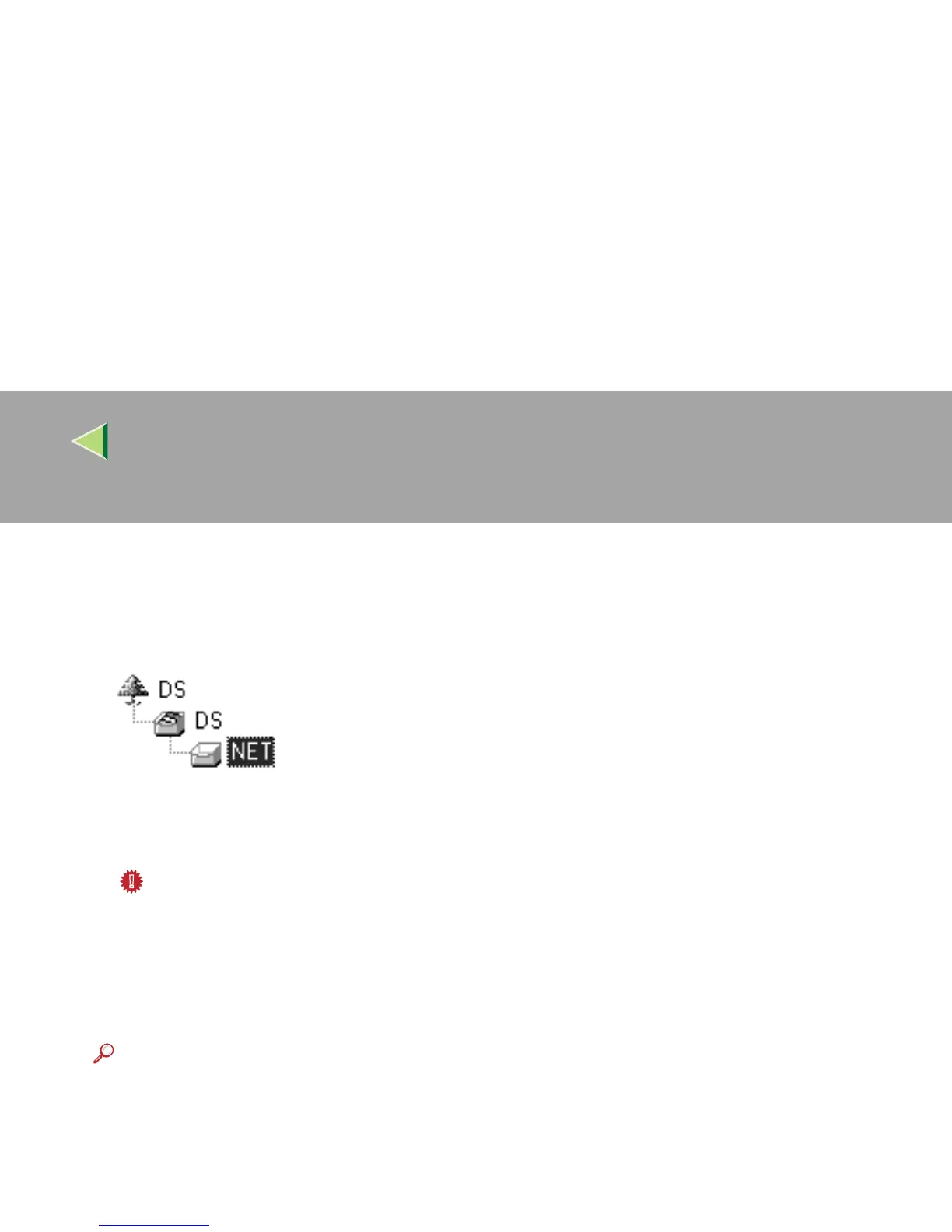
C In the [NDS Context] box, type the context in which the print server is to be created.
Clicking [Browse], you can select a context among those listed in the [Browse] dialog box.
As an context, object names are typed from a lower level object and divided by a period. For ex-
ample, if you want to create a print server into NET under DS, type "NET.DS".
D In the [Print Server Operation Mode] group, click [As Remote Printer].
E In the [Remote Printer No.] box, type the number of the printer.
Important
❒ Use the same number as that of the printer to be created in the print server.
F Click [OK] to close the property sheet.
G
GG
G
On the [NIB] menu, click [Exit] to exit the NIB Setup Tool.
H
HH
H
From Windows, run NW Admin.
Reference
For more information about NWAdmin, see the documentation that comes with the NetWare.
I
II
I
Create a print queue as follows.
A Select the container object the print queue is located in among those in the directory tree,
and click [Create] on the [Object] menu.
B In the [Class of new object] box, click "Print Queue", and click [OK].



 To Next Page