Replacing Consumables and Maintenance Kit
18
1
K
KK
K
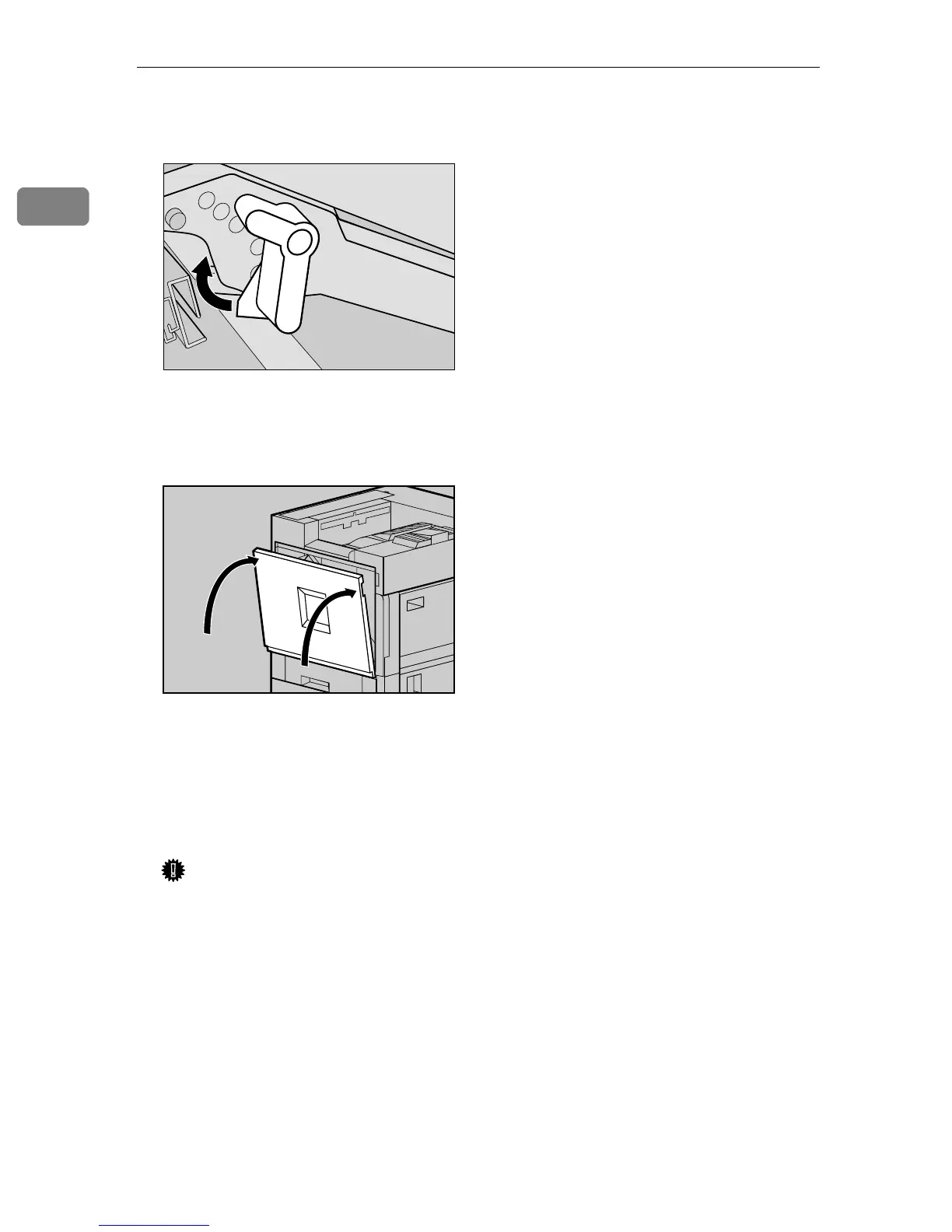
Turn the light brown lever clock-
wise.
L
LL
L
Close the front cover slowly by
pushing the two areas on the left
and right.
M
MM
M
Plug in the power cable, and then
turn on the power switch.
"Please Wait " appears on the panel
display, and initial adjustments
begin. Please wait until it stops.
Important
❒ Do not turn off the power
switch while calibration. This
will cause a printer malfunc-
tion.
ZDJH020E
ZDJH041J



 To Next Page