Operating Instructions Administrator Reference 2
107
The Priority Paper Tray is set and the display returns to the System Settings.
❖
❖❖
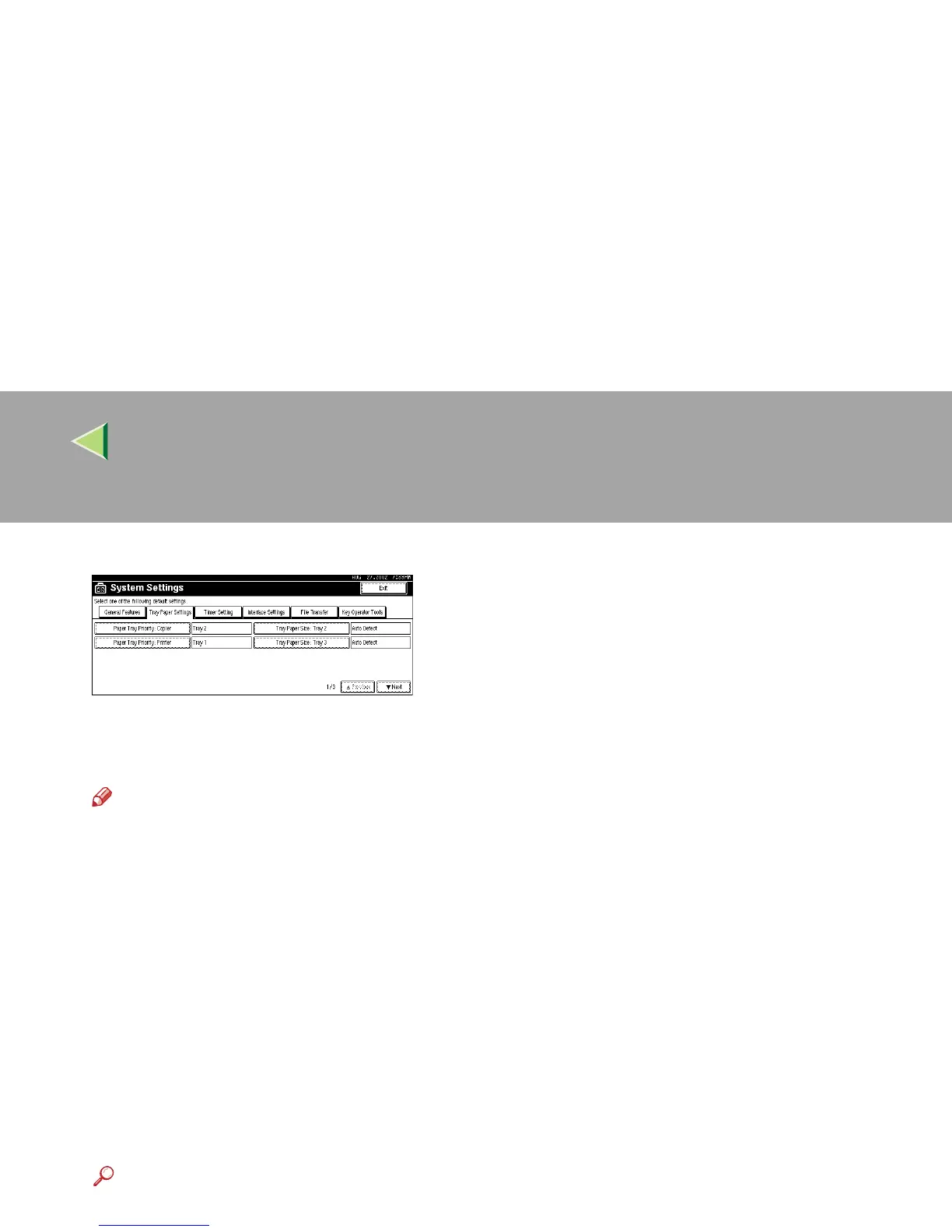
❖ Tray Paper Size: (Tray 2–4)
Select the size of the copy paper set in the paper tray.
Note
❒ Tray 1 is A4 K paper exclusive. Load only the A4 size paper.
❖
❖❖
❖ The paper sizes you can set for trays 2 and 4 are as follows:
Auto Detect, A3L, B4JIS L, A4K, A4L, B5JIS K, B5JIS L, A5 K, 11"×17" L, 8 1/2"
×14" L, 8 1/2" ×11" K , 8 1/2" ×11" L, 8" ×13" L, 8 1/2" ×13" L, 8 1/4" ×13" L, 7 1/4"
×10 1/2" K, 8K L, 16K K, 16K L
❖
❖❖
❖ The paper sizes you can set for tray 3 is as follows:
• When the optional paper feed unit (500 ×1 or 500×2) is installed
Auto Detect, A3L, B4JIS L, A4K, A4L, B5JIS K, B5JIS L, A5 K, 11"×17" L, 8 1/2"
×14" L, 8 1/2" ×11" K , 8 1/2" ×11" L, 8" ×13" L, 8 1/2" ×13" L, 8 1/4" ×13" L, 7 1/4"
×10 1/2" K, 8K L, 16K K, 16K L
• When the optional 2000-sheet Large Capacity Tray is installed
A4K, 8 1/2" ×11" K
Reference
Setup Guide "Loading Paper"



 To Next Page