Operating Instructions Administrator Reference 2
106
Note
❒ Default: Tray 1
❒ When optional paper feed units are installed, Tray 3 and Tray 4 are displayed.
❒ When the optional 2000-sheet Large Capacity Tray is installed, Tray 3 is displayed.
❖
❖❖
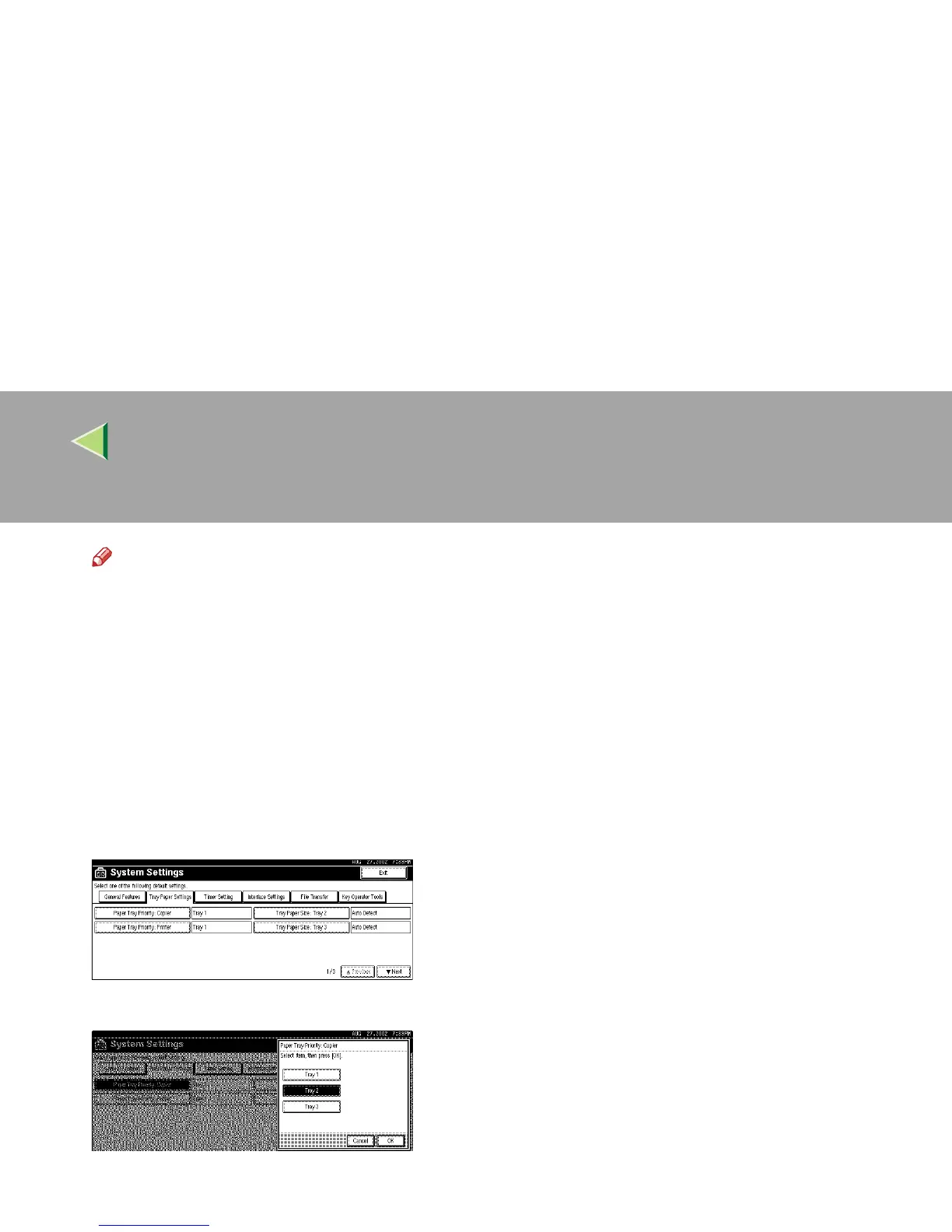
❖ Specifying the Priority Paper Tray
You can specify the Priority Paper Tray when copying or printing. The Priority Paper Tray is the
tray selected when the machine is turned on and also the tray initially used by Auto Paper Select
and Auto Tray Switching.
Tray 1 is the Priority Paper Tray. However, if the optional 2000-sheet Large Capacity Tray is
installed, Tray 3 is the Priority Paper Tray.
A Press [Paper Tray Priority: Copier] or [Paper Tray Priority: Printer].
B Select the tray to be used as the Priority Paper Tray and then press [OK].



 To Next Page