Replacing the Paper Feed Rollers
29
1
J
JJ
J
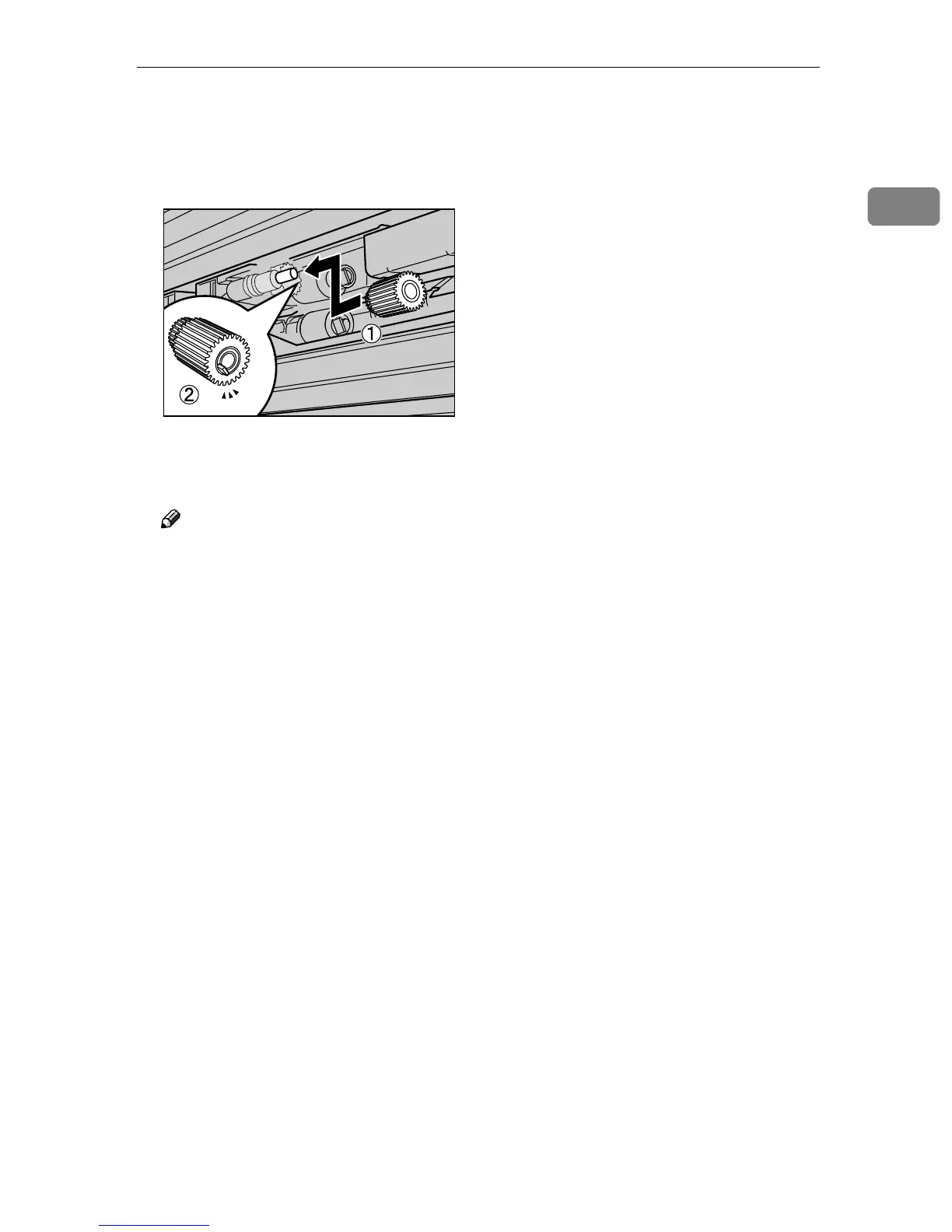
Hold the new paper feed roller A
with its pin towards you (A
AA
A). In-
sert the roller onto the front shaft
until it clicks into place (B
BB
B).
K
KK
K
Slide all trays back into the print-
er slowly until they stop.
Note
❒ If you replaced the paper feed
rollers of the optional 2000-
sheet Large Capacity Tray, load
the paper that you removed in
step
B
in the tray.
ZERH090E



 To Next Page