Removing Misfed Paper in the Duplex Feed Unit
55
3
J
JJ
J
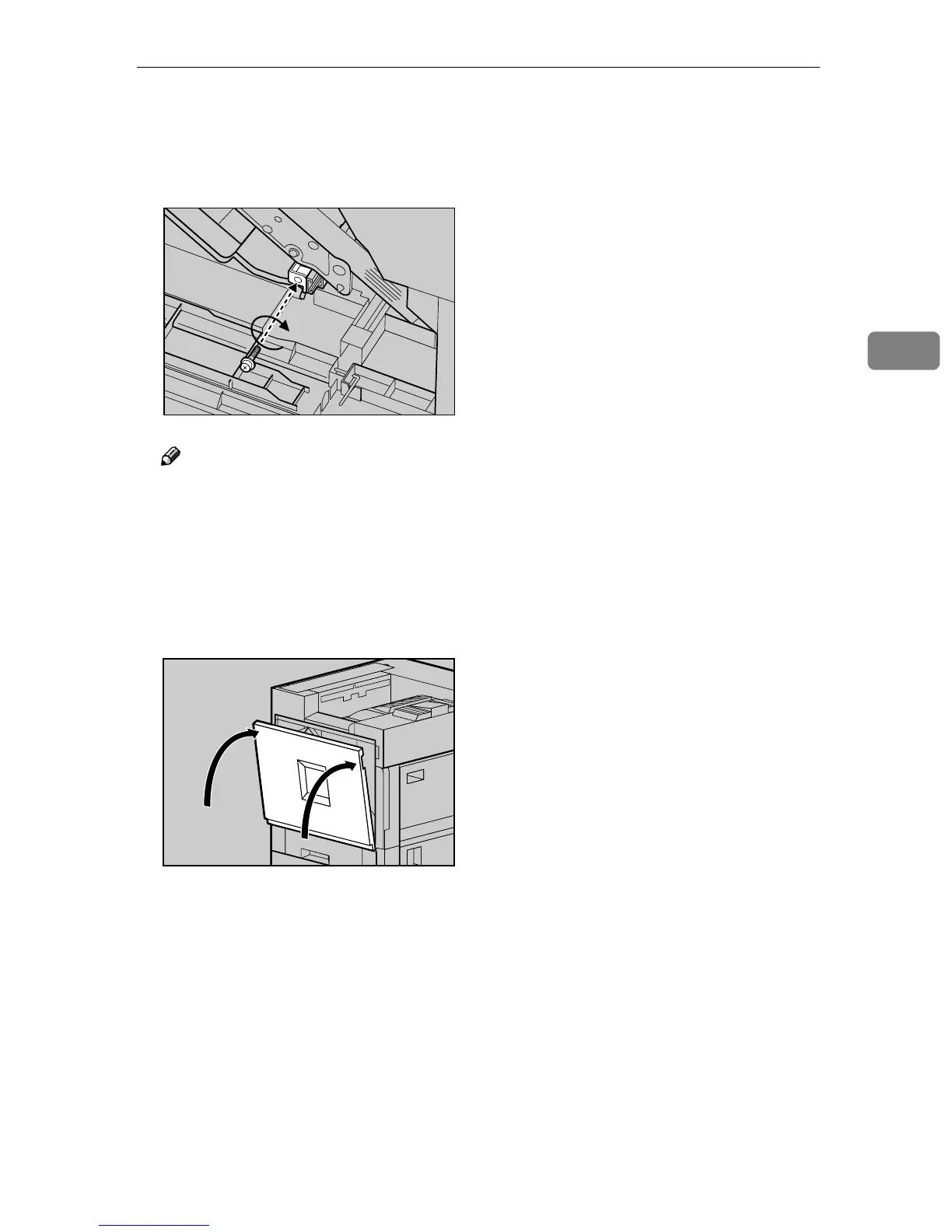
Refasten the Duplex Feed Unit
using the provided screwdriver.
Use the screw that was removed
in step
D
DD
D
.
Note
❒ Be sure to return the provided
screwdriver to its original posi-
tion on the inside of the front
cover.
K
KK
K
Close the front cover slowly by
pushing the two areas on the left
and right.
L
LL
L
Plug in the power cable, and then
turn on the power switch.
ZDJP057J
ZDJH041J



 To Next Page