Operating Instructions Copy Reference <Advanced Features>
90
F
FF
F
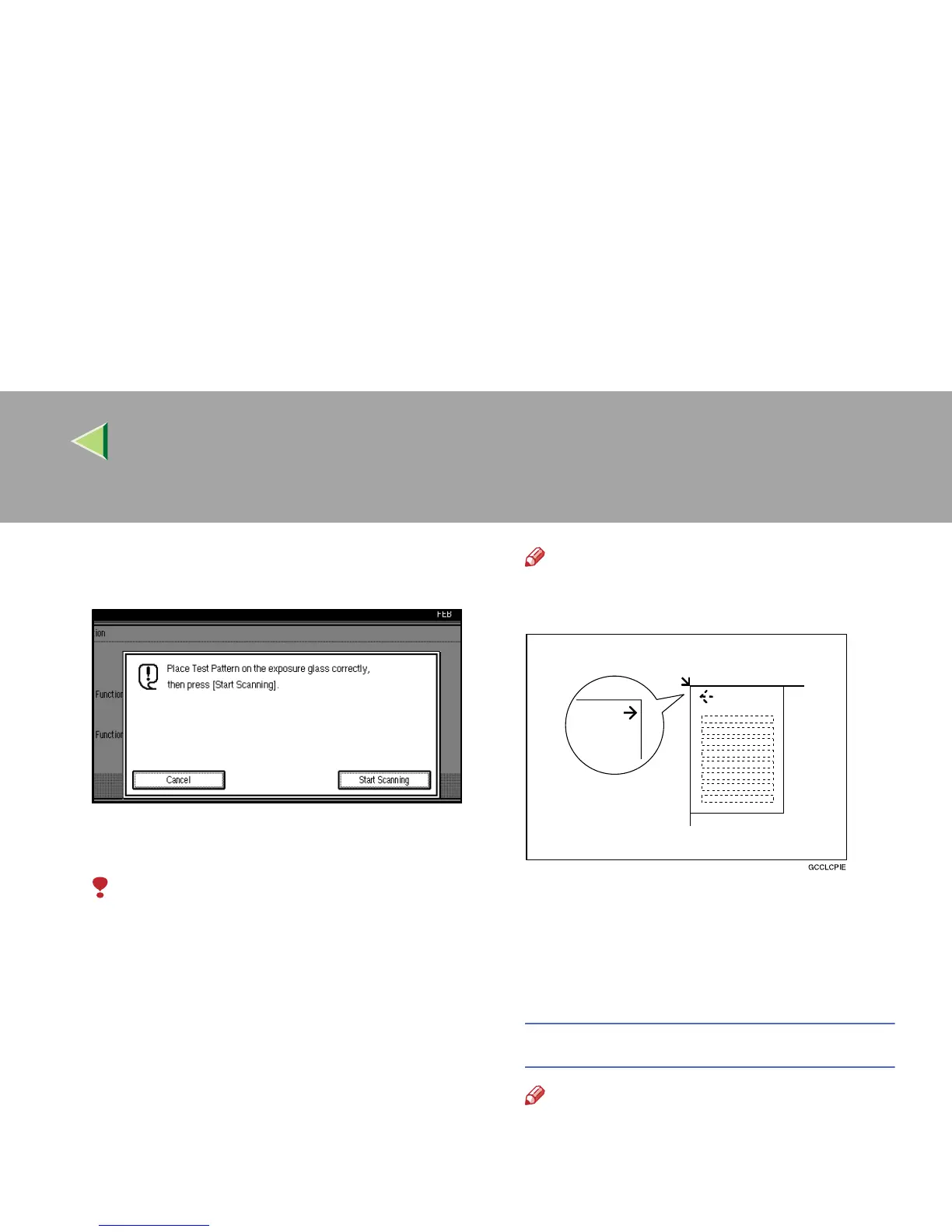
Place the test pattern on the exposure glass,
and then press [
Start Scanning
].
The image will be corrected after “Please
wait.” disappears.
Limitation
❒ The test pattern will not be read if it is
placed in the optional document feeder
(ADF).
Note
❒ Place the test pattern on the exposure
glass in the following way:
❒ When using the optional document feeder
(ADF), make sure to place the test pattern
on the exposure glass, and then 2 or 3
white sheets, same size as the test pat-
tern, on top of the test pattern.
Returning to the previous setting
Note
❒ “Previous Setting” means to return to the
previous status before any changes.



 To Next Page