Operating Instructions Copy Reference <Advanced Features>
97
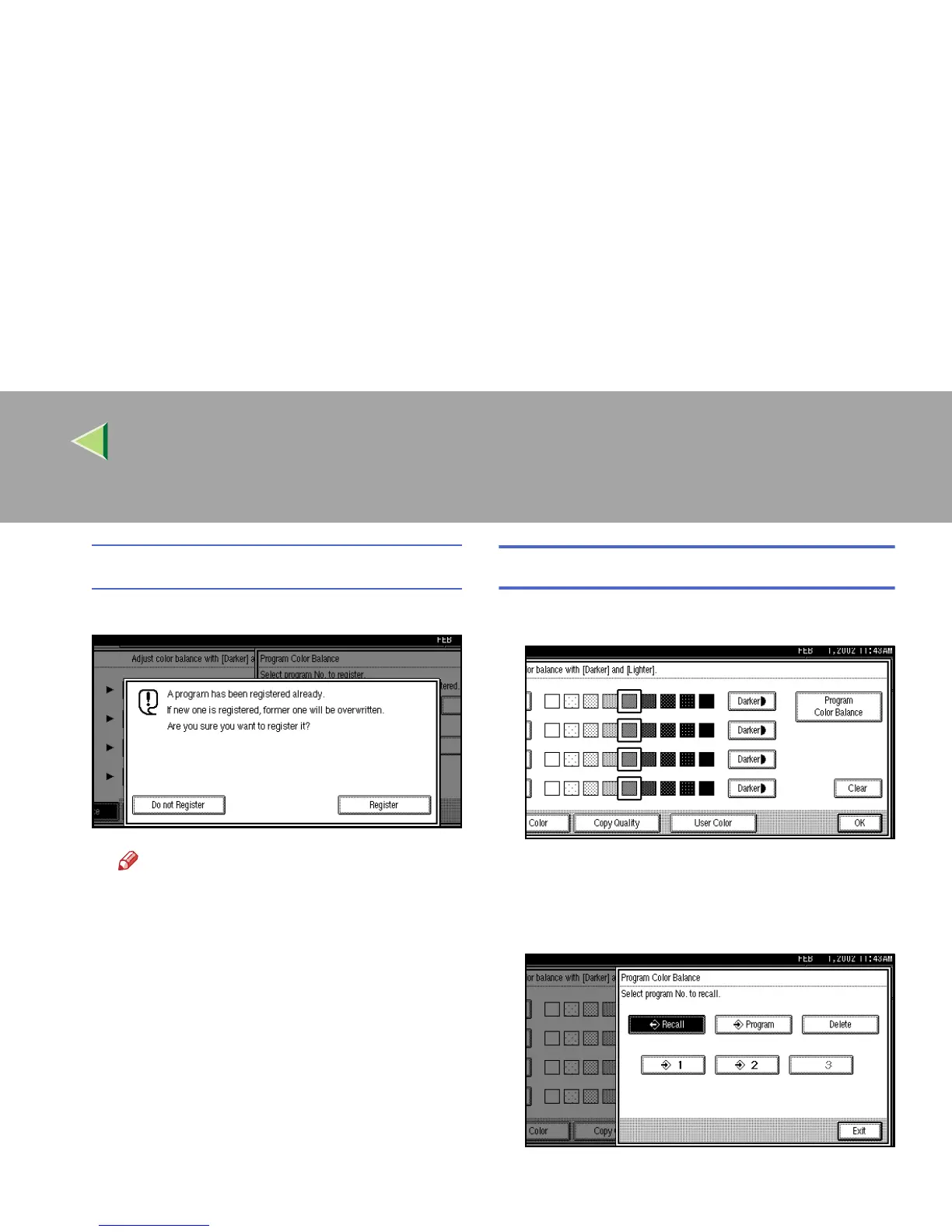
Overwriting the program
A Press [Register].
Note
❒ Press [Do not Register] if you do not
want to make any changes.
E
EE
E
Press [Exit].
Changes in the Registered Contents
A
AA
A
Press [Program Color Balance].
B
BB
B
Select the program number key displayed
on m
mm
m.
The programmed color balance appears.



 To Next Page