Operating Instructions Copy Reference <Advanced Features>
98
C
CC
C
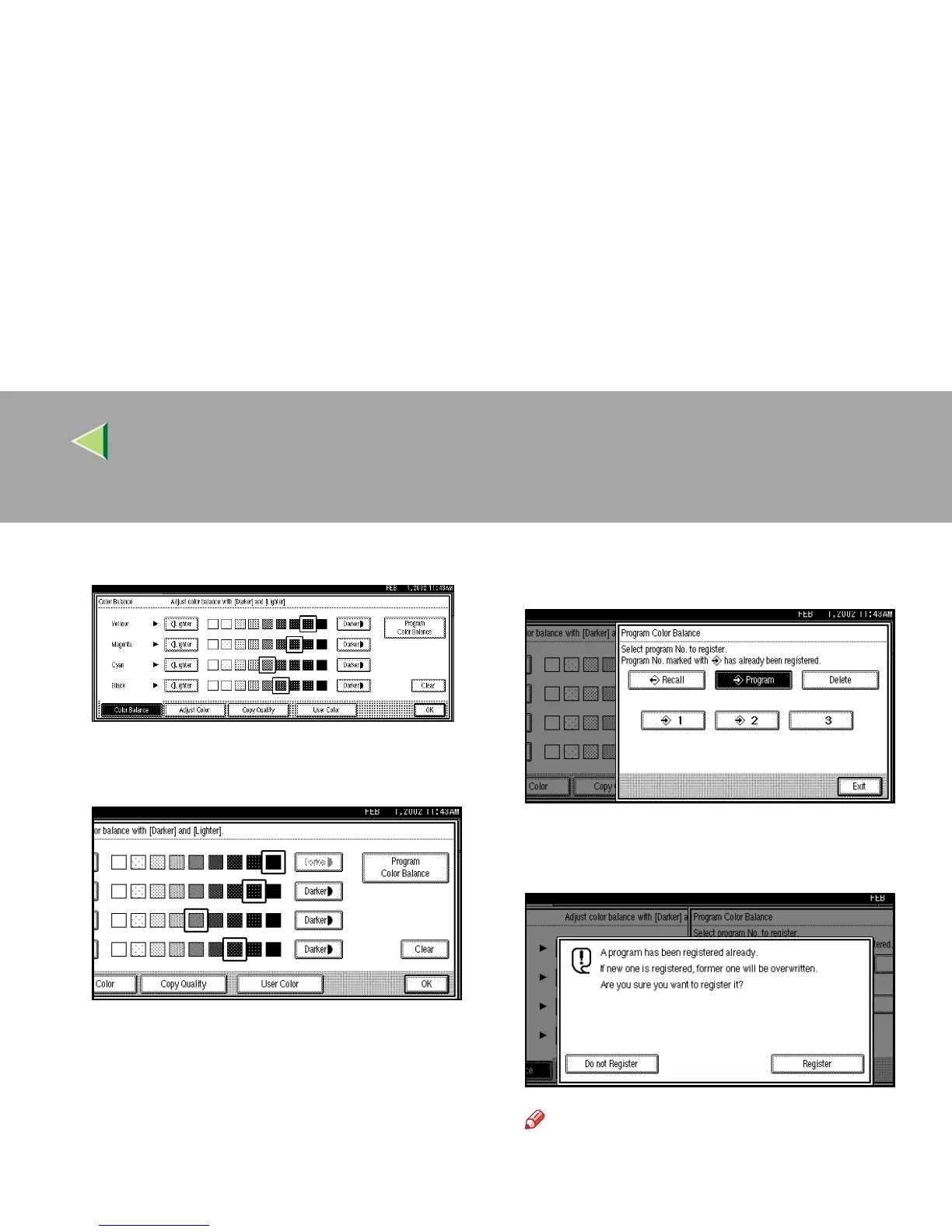
Change the registered contents.
D
DD
D
When changing the programmed contents,
press [
Program Color Balance
].
E
EE
E
Press [
Program
], and then press the pro-
gram number key to be overwritten.
F
FF
F
Press [Register].
The program is changed.
Note
❒ Press [Do not Register] if you do not want to
make any changes.
G
GG
G
Press [
Exit
].



 To Next Page