Operating Instructions Scanner Reference
31
D
DD
D
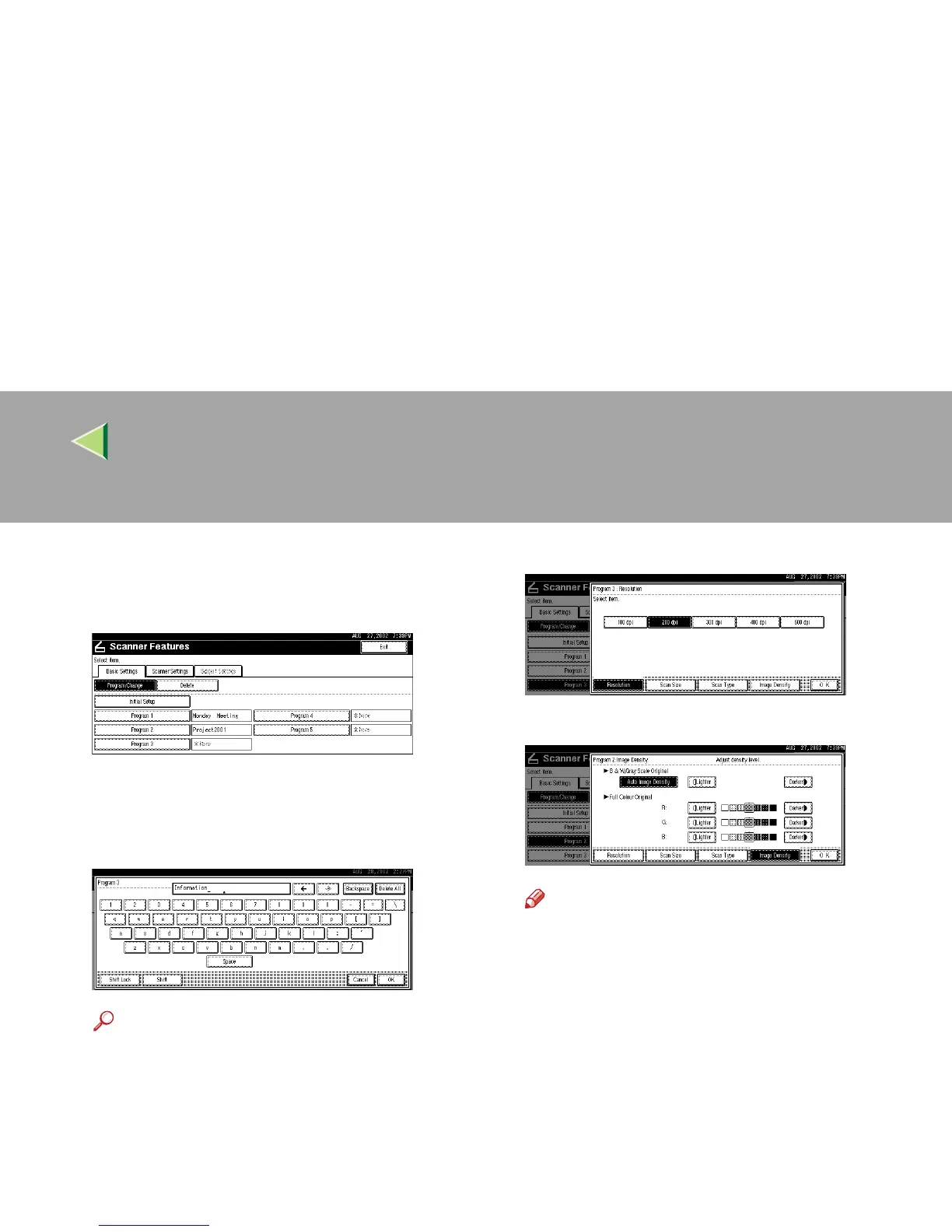
Verify that [Program/Change] is selected,
and then select the scan setting you want to
program.
The screen for entering a scan setting name
appears.
E
EE
E
Enter the desired name and press [OK].
Reference
❒ For information about character input, see
the Facsimile Reference <Basic Fea-
tures>.
F
FF
F
Select the item to be set.
To select an item, touch its key on the screen.
The item is highlighted.
Example: resolution setting
Example: image density setting
Note
❒ When selecting [Custom size] for [Scan
Size], see p.32 “Selecting a custom size”.
G
GG
G
When all settings have been made, press
[OK].
The scan type setting is stored.
H
HH
H
To program other scan settings, repeat the
procedure from step
D
DD
D
.



 To Next Page