Operating Instructions Scanner Reference
32
I
II
I
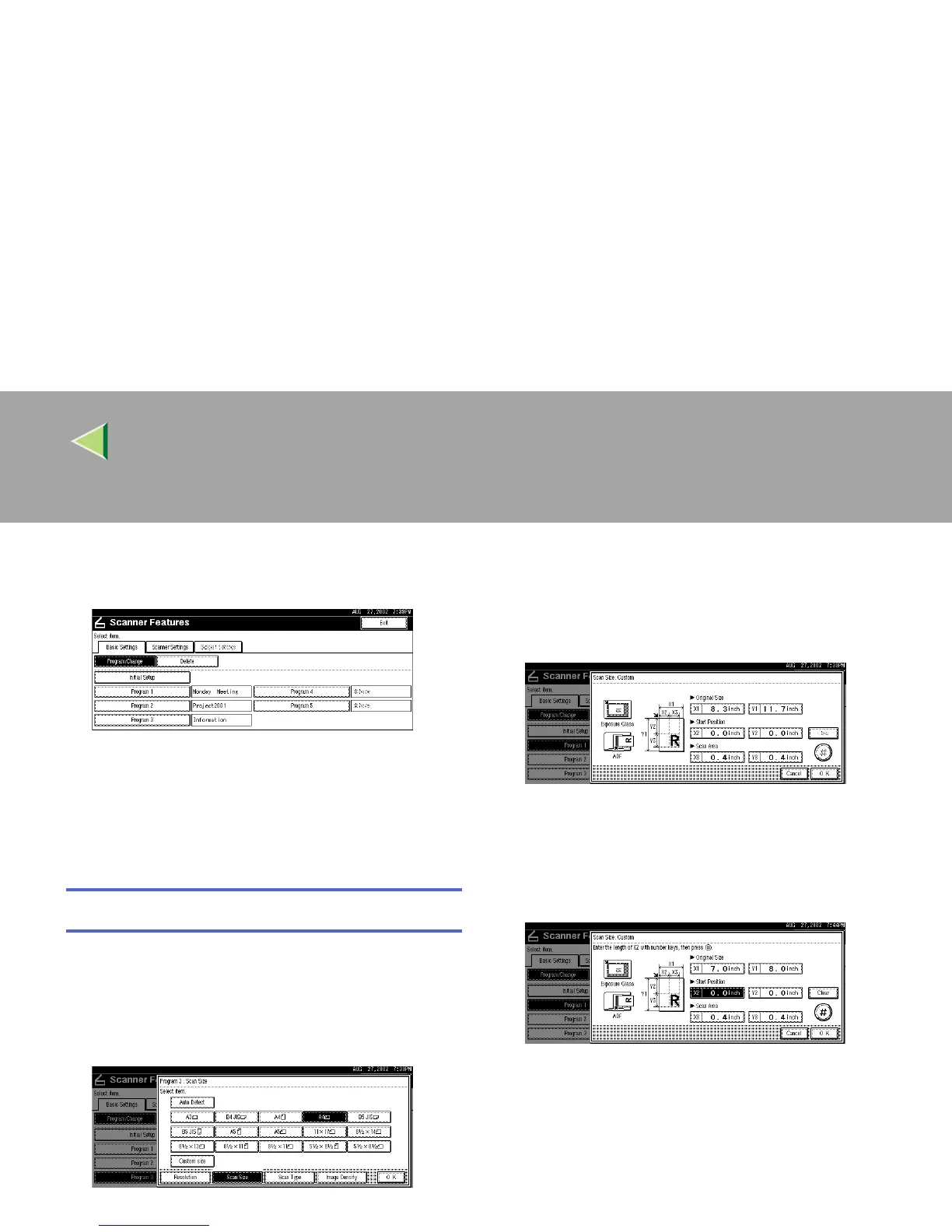
When all settings have been made, press
[Exit].
The display returns to the Scanner Features
screen.
J
JJ
J
Press [Exit].
The main menu is shown again.
Selecting a custom size
When "Custom Size" is selected as the scan size,
follow the procedure below.
A
AA
A
Press [Custom size] on the Scan Size setting
screen.
B
BB
B
Enter the original size with the number
keys.
Select [X1] or [Y1], enter the value, and then
press [#].
C
CC
C
Use the number a scan starting point other
than the standard scan starting point.
Select [X2] or [Y2], enter the value, and then
press [#].



 To Next Page