Operating Instructions Scanner Reference
33
D
DD
D
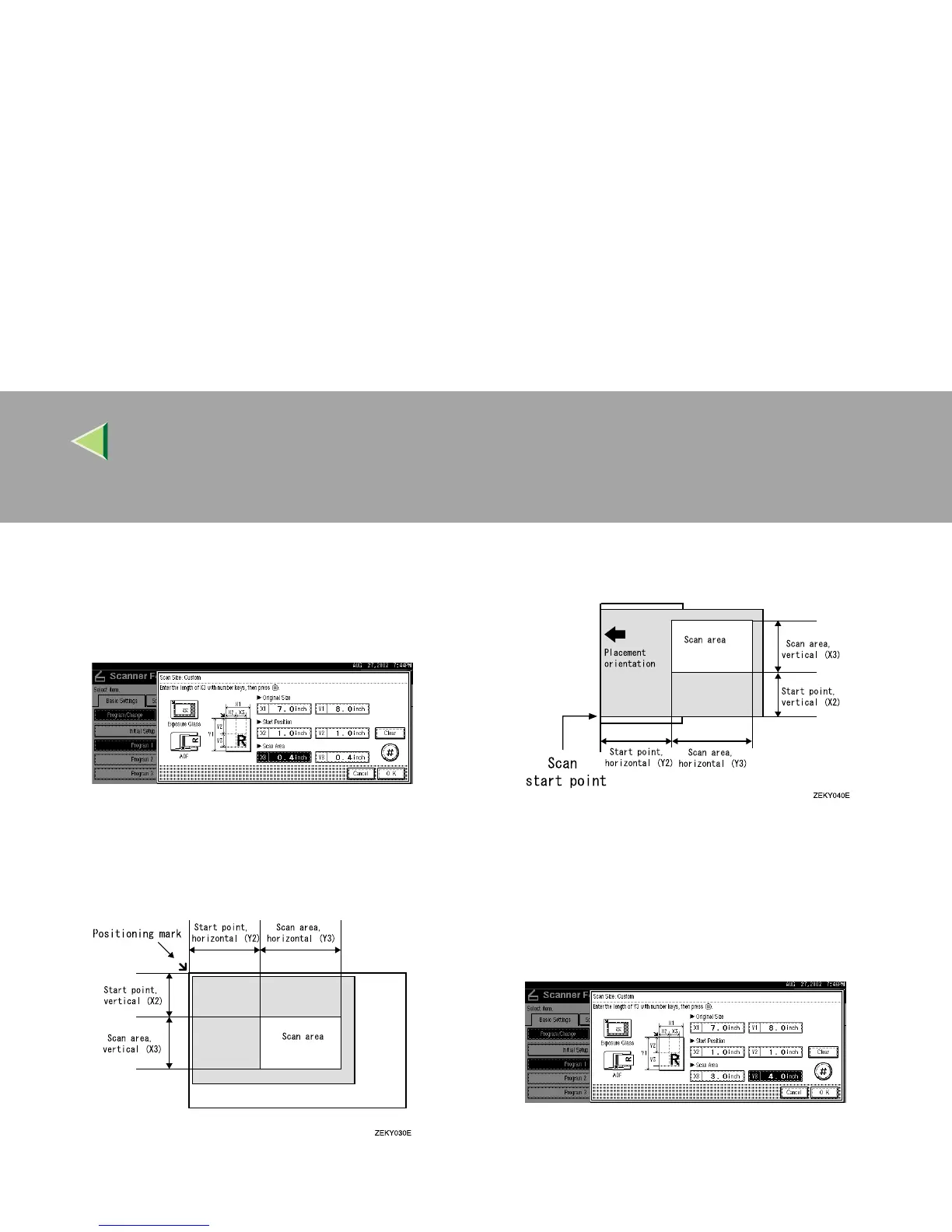
Enter the scan size (area) with the number
keys.
Select [X3] or [Y3], enter the value, and then
press [#].
Depending on how the original is positioned,
the scan area will be as follows:
A When the original is placed on the expo-
sure glass
B When the original is placed on the ADF
The maximum scan size is 432mm (17”) in
the Y direction (width) and 297mm
(11.7”) in the X direction (height). Keep
the scan area settings within this range.
E
EE
E
When all dimensions have been entered,
press [OK].



 To Next Page