Operating Instructions Scanner Reference
72
E
EE
E
Make the scan settings.
To make the scan settings, call up the stored
settings or make the settings individually.
Reference
❒ ⇒ p.29 “Setting Scanner Features”
Calling up stored scan settings
A
AA
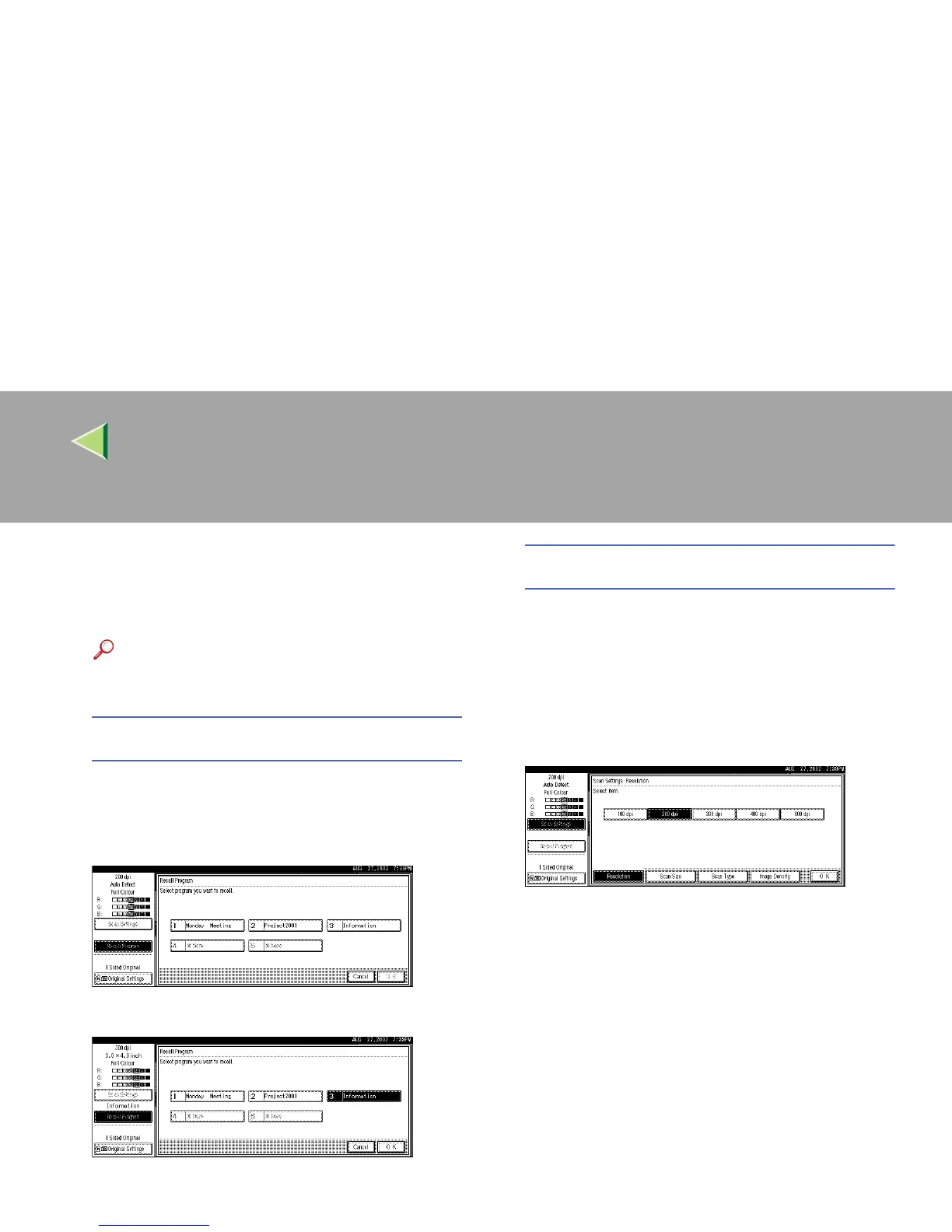
A Press [Recall Program].
The User Program Recall screen appears.
B
BB
B Select a user program of scan settings.
C
CC
C Press [OK].
The selected user program settings be-
come active.
Making the settings individually
A
AA
A Press [Scan Settings].
The screen for making scan settings ap-
pears.
B
BB
B Select the desired resolution, original
size, and other items to change the set-
tings.
The way to make scan settings is the same
way as programing scan settings. See p.29
“Setting Scanner Features”.
C
CC
C Press [OK].
The scan settings are applied.



 To Next Page