Operating Instructions Scanner Reference
73
F
FF
F
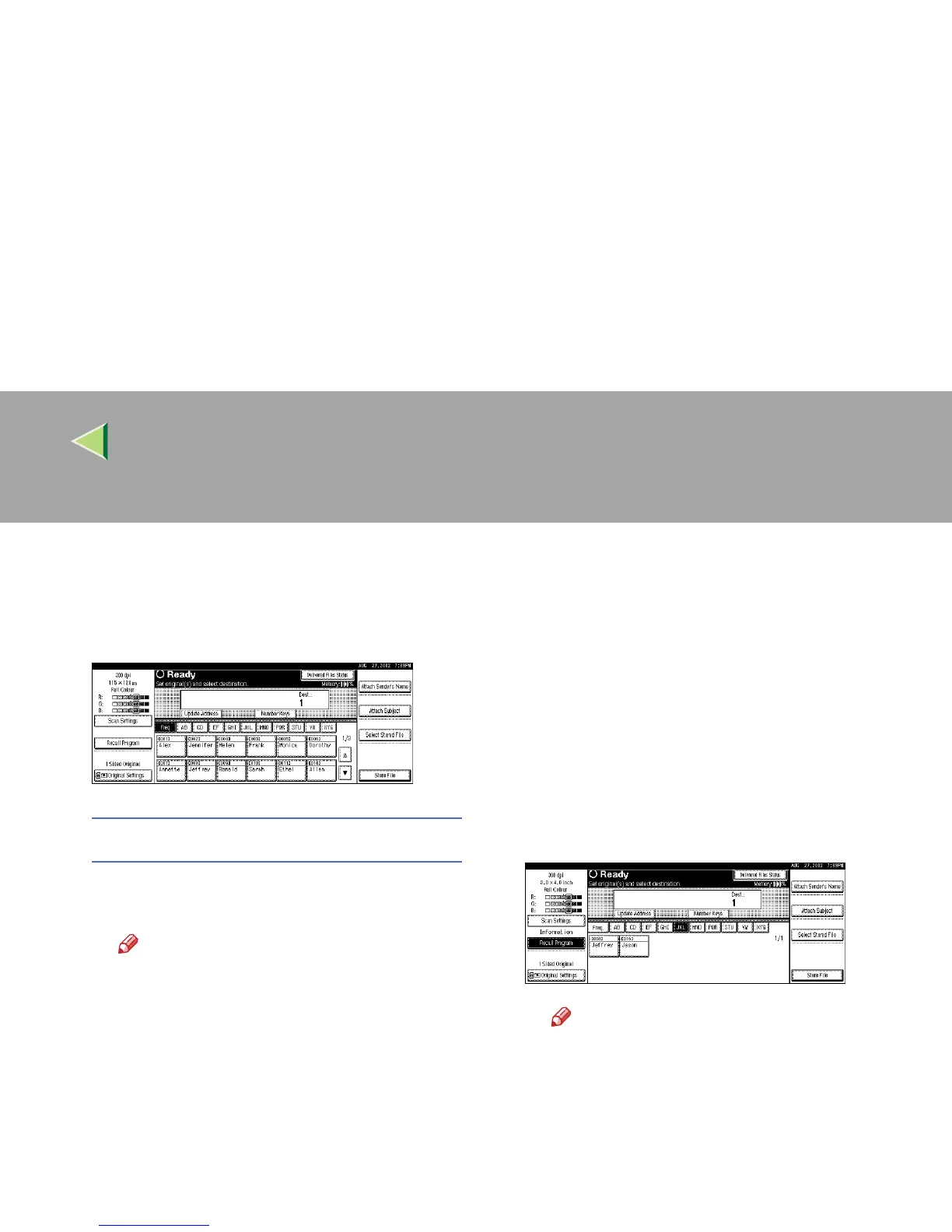
Select the destination.
You can select the destination from the list of
destinations or by specifying a short ID
number.
When selecting a destination from the list
A
AA
A Press [Update Address] to update the list
of destinations.
Note
❒ If the destination information pro-
grammed in the delivery server is up-
dated, the list displayed on the control
panel of the machine is not updated au-
tomatically. To display the latest infor-
mation for operation, press the [Update
Address] on the control panel before de-
livering scan data to update the dis-
played information.
❒ If the list is updated after the destina-
tion or sender is selected, any selec-
tions are cancelled. Update the list
before selecting destination and send-
er.
❒ If there is scan data in the memory of
the machine that have not yet been de-
livered, [
Update Address
] is not availa-
ble.
B
BB
B Press the title for the desired destination
and select the destination.
If the desired destination is not OK, press
[U
UU
U] or [T
TT
T] to display the destination.
Note
❒ The destination titles are programmed
in the delivery server.



 To Next Page