Operating Instructions Scanner Reference
74
C
CC
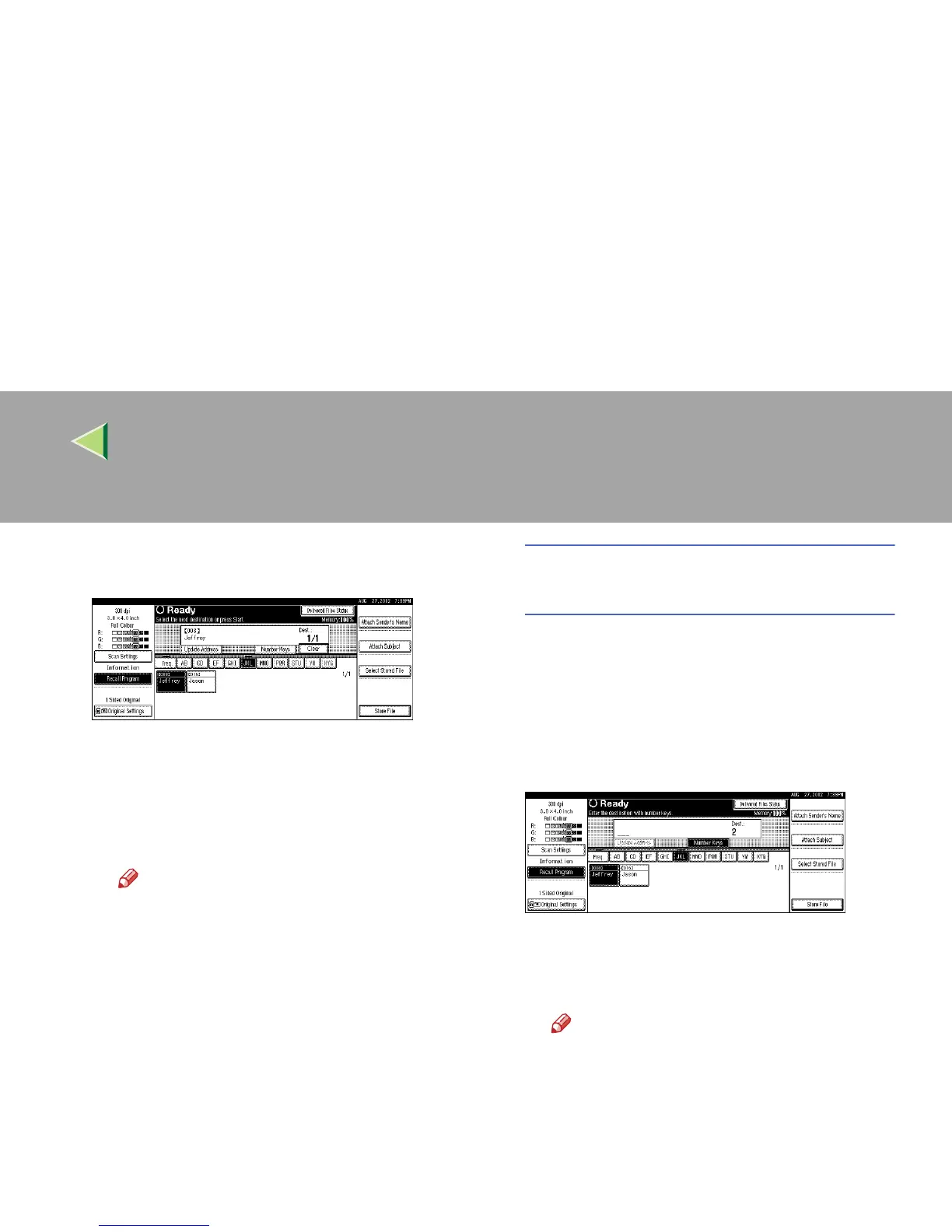
C Select the destination to which the scan
data is to be sent.
The selected destination is highlighted,
and also appears in the destination field at
the top of the screen. A line appears over
the title of the category to which the desti-
nation belongs.
Note
❒ To deselect a destination, press the
destination once more, or press [U
UU
UP-
rev.] or [T
TT
TNext] to bring up the destina-
tion in the destination field, and then
press [Clear].
D
DD
D To select more destinations, repeat step
C
CC
C.
Using the short ID number to select a
destination
A
AA
A Press [Number Keys].
B
BB
B Use the number keys to enter the 3-digit
ID number that has been assigned to
each destination.
If the entered number is less than 3 digits,
press [#] at the end.
The destination corresponding to the short
ID number appears in the destination field
at the top of the screen.
Note
❒ To deselect a destination, press [U
UU
UP-
rev.
] or [T
TT
TNext
] to display the destina-
tion in the destination field, and then
press [
Clear
].
C
CC
C To select more destinations, repeat step
B
BB
B.



 To Next Page