Operating Instructions Scanner Reference
83
E
EE
E
Make the scan settings.
To make the scan settings, call up the stored
settings or make the settings individually.
Reference
❒ ⇒ p.29 “Setting Scanner Features”
Calling up stored scan settings
A
AA
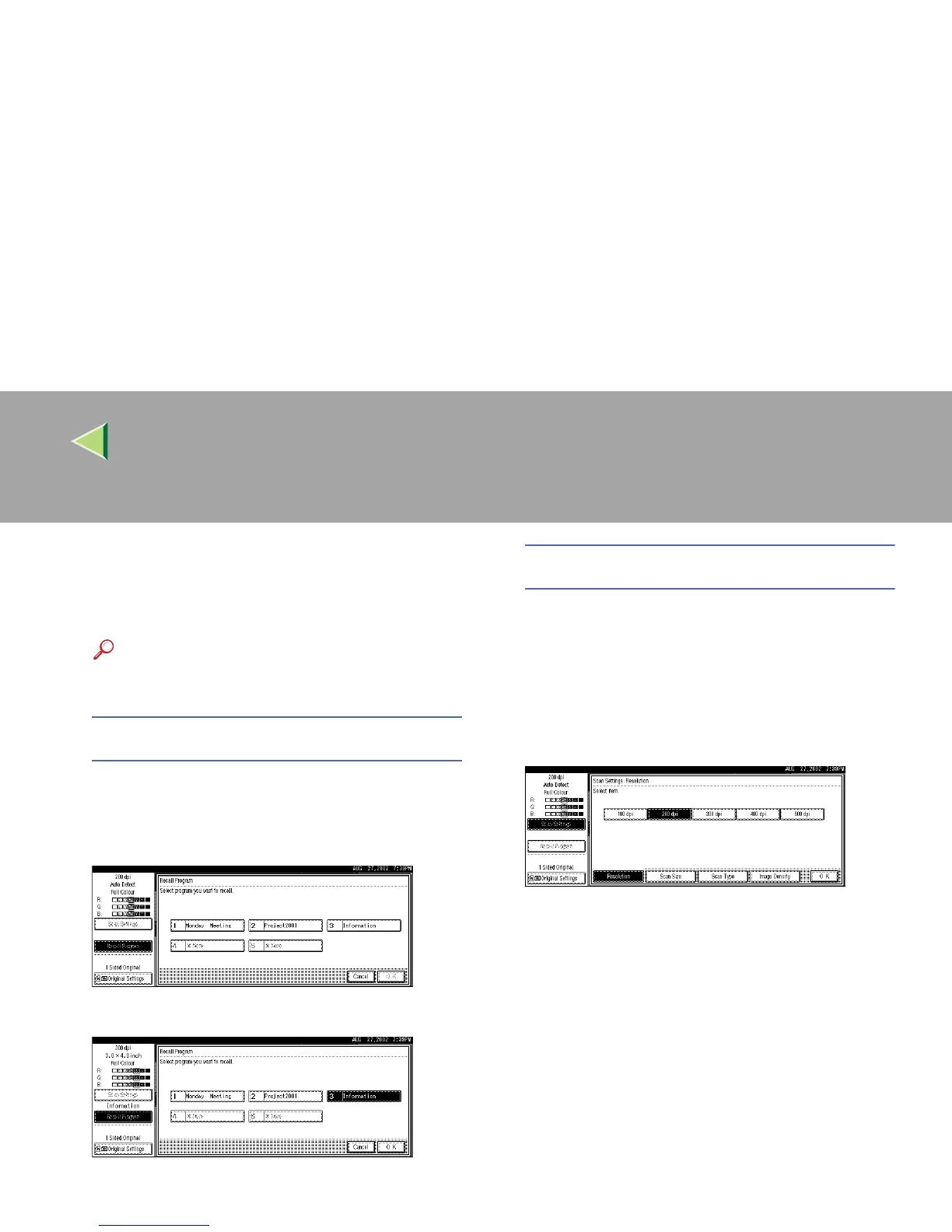
A Press [Recall Program].
The Recall Program screen appears.
B
BB
B Select a user program of scan settings.
C
CC
C Press [OK].
The selected user program settings be-
come active.
Making settings individually
A
AA
A Press [Scan Settings].
The screen for making scan settings ap-
pears.
B
BB
B Select the desired resolution, original
size, and other items to change the set-
tings.
The way to make scan settings is the same
way as programming scan settings. See
p.29 “Setting Scanner Features”.
C
CC
C Press [OK].
The scan settings are applied.
F
FF
F
When using the network delivery scanner
function, make the settings for storing
scanned data files.
When not using the network delivery scanner
function, this step is not required. Go to step
G
.



 To Next Page