Operating Instructions Scanner Reference
84
A
AA
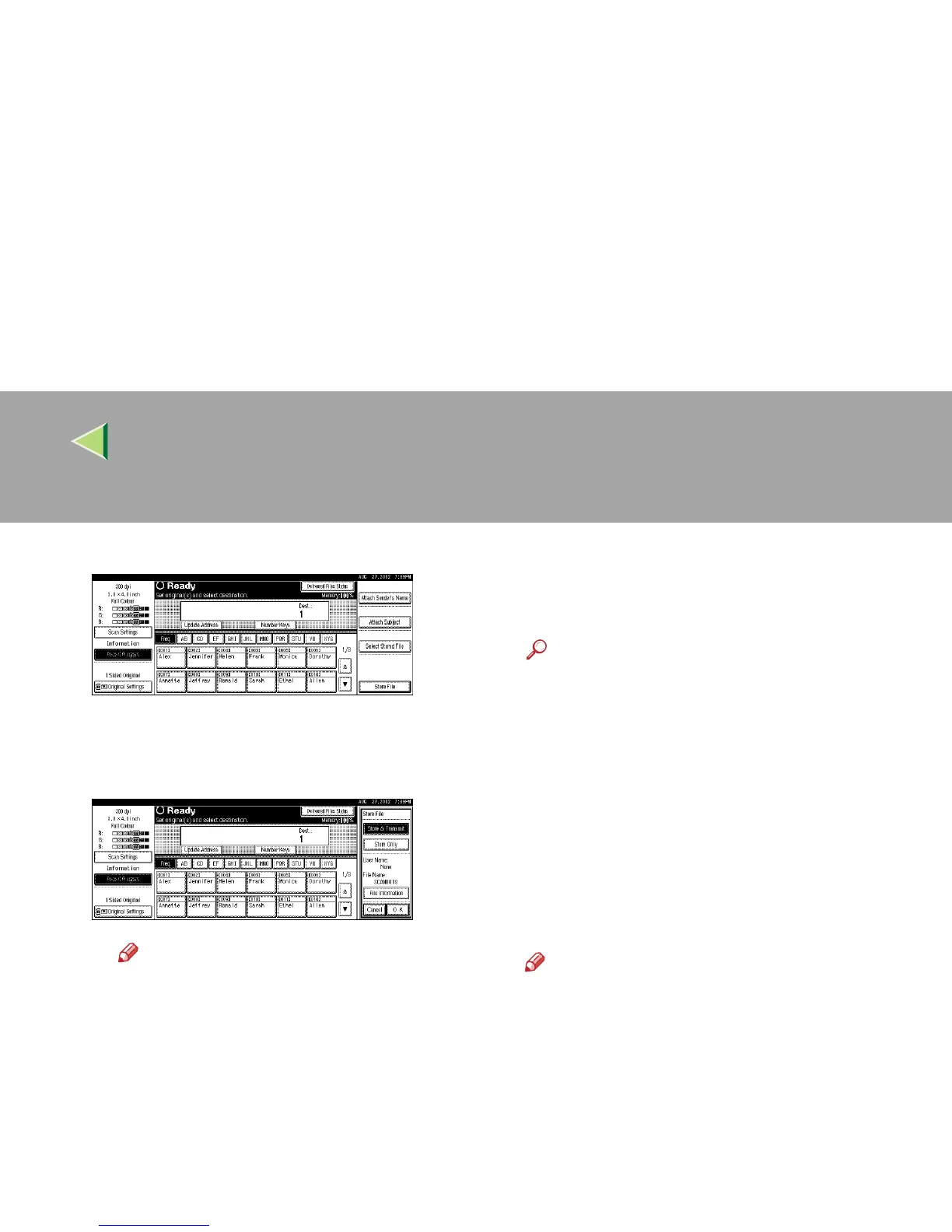
A Press [Store File].
The screen for setting storage parameters
for scanned data appears.
B
BB
B Press [Store Only].
Note
❒ To store and deliver scanned data,
press [Store & Transmit]. ⇒ p.78 “Using
the Network Delivery Scanner with the
Document Server”
C
CC
C Press [OK].
G
GG
G
Specify file information.
Specify a user name, file name, and password
for the file to be stored.
Reference
❒ For more information about how to specify
file information, see p.85 “Specifying file
information”.
H
HH
H
Press the {
{{
{Start}
}}
} key.
The original is scanned and the resulting data
is stored as a file in the Document Server.
When there is another page to scan, place the
original, and then press the {
{{
{Start}
}}
} key.
When there are no more pages, press the {
{{
{#}
}}
}
key.
Note
❒ To abort the scanning process, press the
{
{{
{Clear/Stop}
}}
} key or press [Stop] in the dis-
play.
❒ When originals are being scanned using
the SADF, load the next original. ⇒ p.59
“Placing the Divided Original in the Auto-
matic Document Feeder (SADF)”



 To Next Page