Faxing
26
2
E
EE
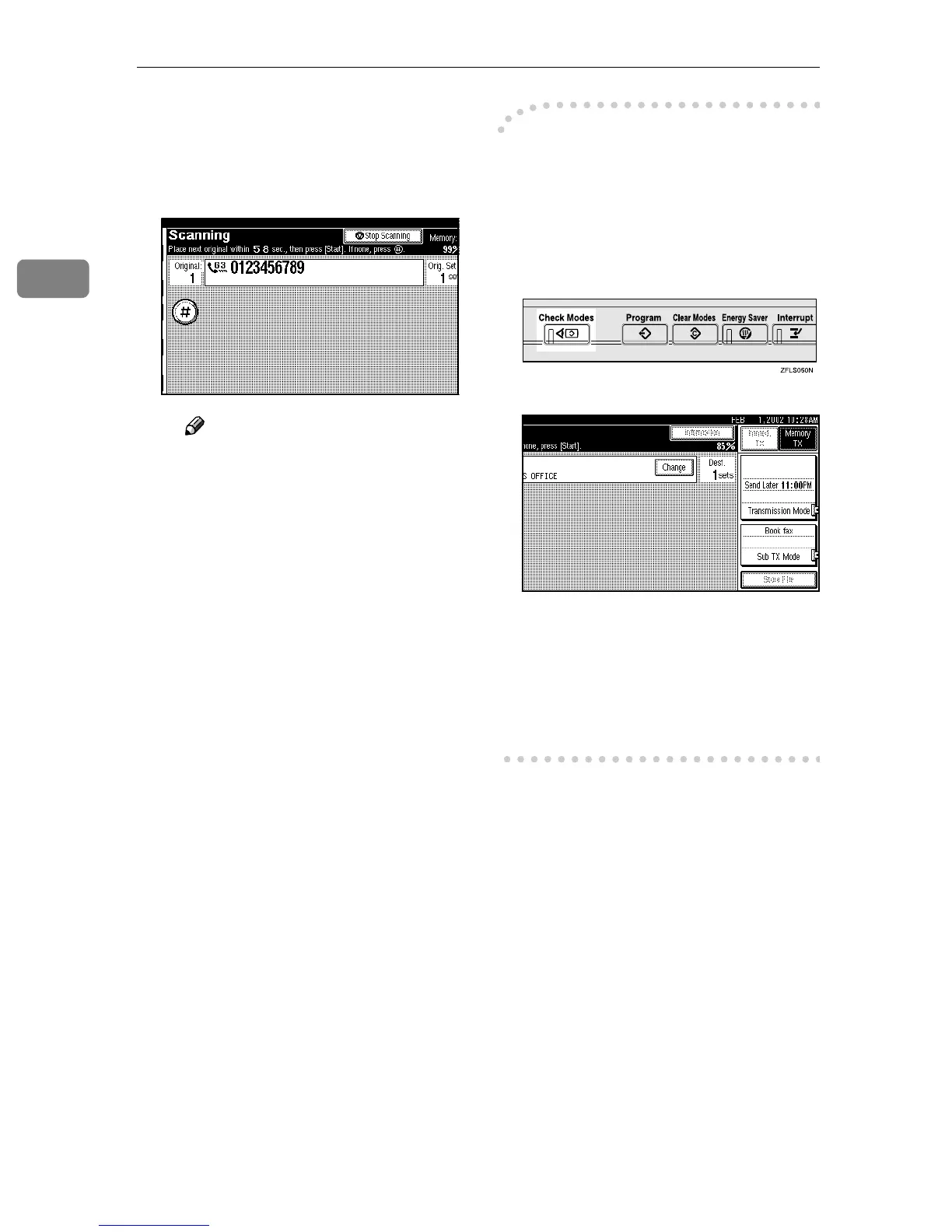
E Place the next original on the
exposure glass within 60 sec-
onds after the machine has fin-
ished scanning the first
original.
Note
❒ Repeat steps C to E for all
originals.
F
FF
F Place the last original, and then
press [#
##
#].
-
--
-Checking the Transmission
Settings
You can check the transmission set-
tings (e.g. destination and transmis-
sion mode) on the display.
A
Press the {
{{
{Check Modes}
}}
} key.
The following display appears.
B
After checking the settings on the
display, press the {
{{
{Check Modes}
}}
}
key.
This returns the display to the dis-
play shown before pressing the
{
{{
{Check Modes}
}}
} key the first time.



 To Next Page