Faxing
32
2
-
--
-If the Connection Could Not Be
Made
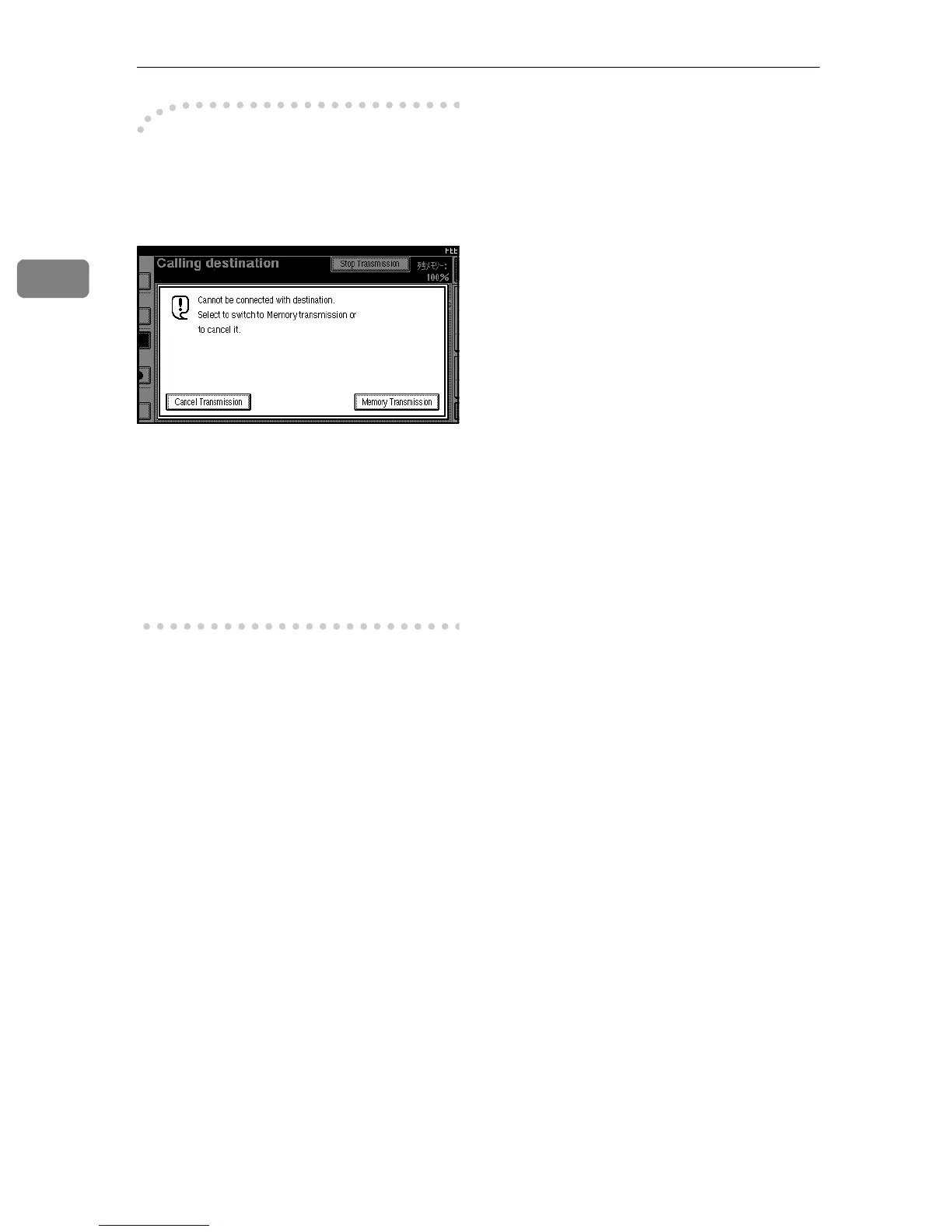
The following display appears if the
fax could not be sent:
Do one of the following:
• Press [Cancel Transmission] and try
again.
• Press [Memory Transmission] to have
the machine store the scan in mem-
ory and then automatically redial
the number.



 To Next Page