Operating InstructionsFacsimile Reference (option) <Advanced Features>
33
Note
❒ If the desired file is not shown, press [U
UU
U
Prev.] or [T
TT
T Next].
❒ To display only the files being sent, press
[Files under TX].
❒ If there are multiple destinations for a file,
only the number of destinations that have
not been sent the file are displayed.
❒ If there are multiple destinations for a file,
only one destination can be displayed. To
display all destinations, press
[Check/Change Settings].
C
CC
C
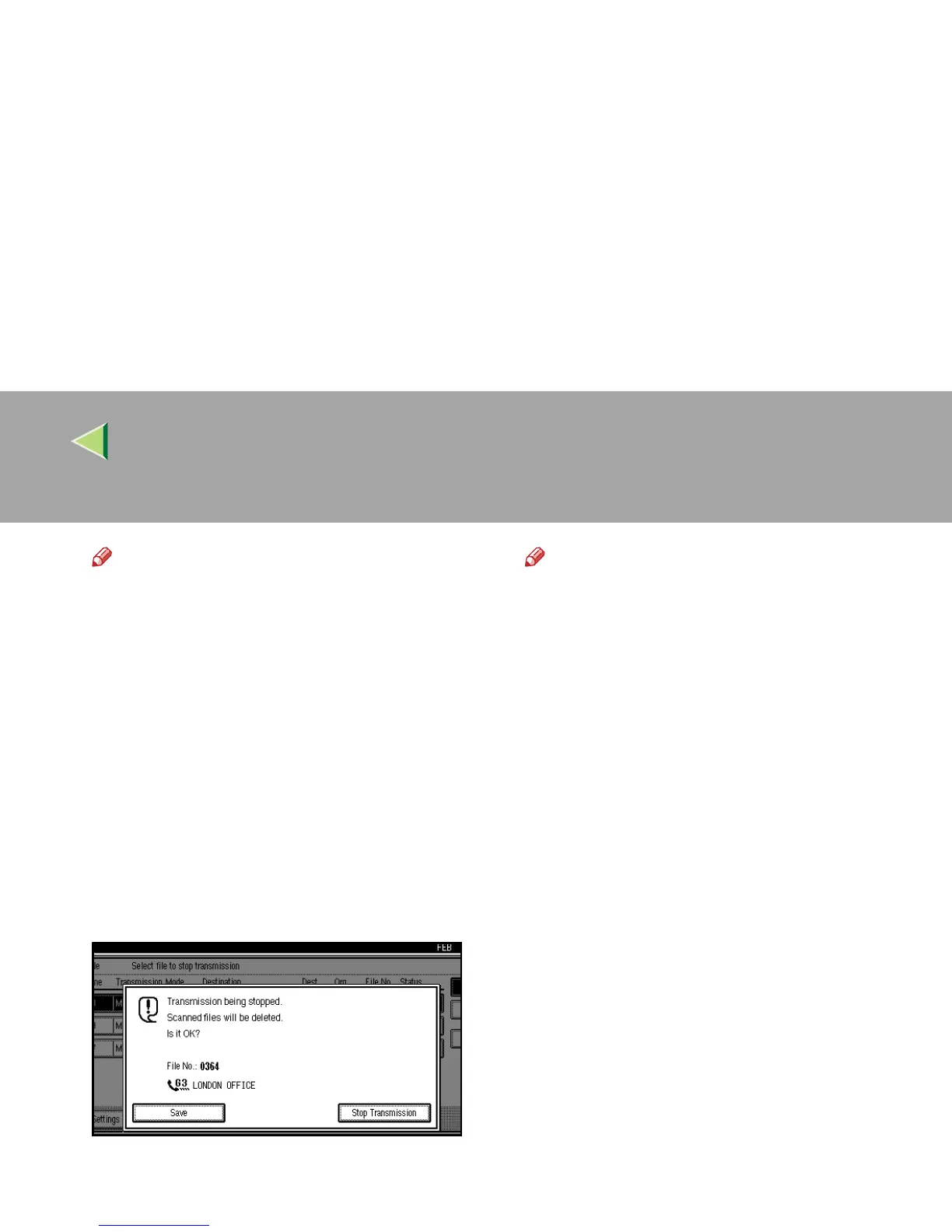
Press [Stop Transmission].
The file you selected to stop transmitting is
deleted.
Note
❒ To not cancel Transmission, press [
Save
].
❒ To cancel another transmission, repeat
from step
B
.
D
DD
D
Press [Exit].
The initial display is shown.



 To Next Page