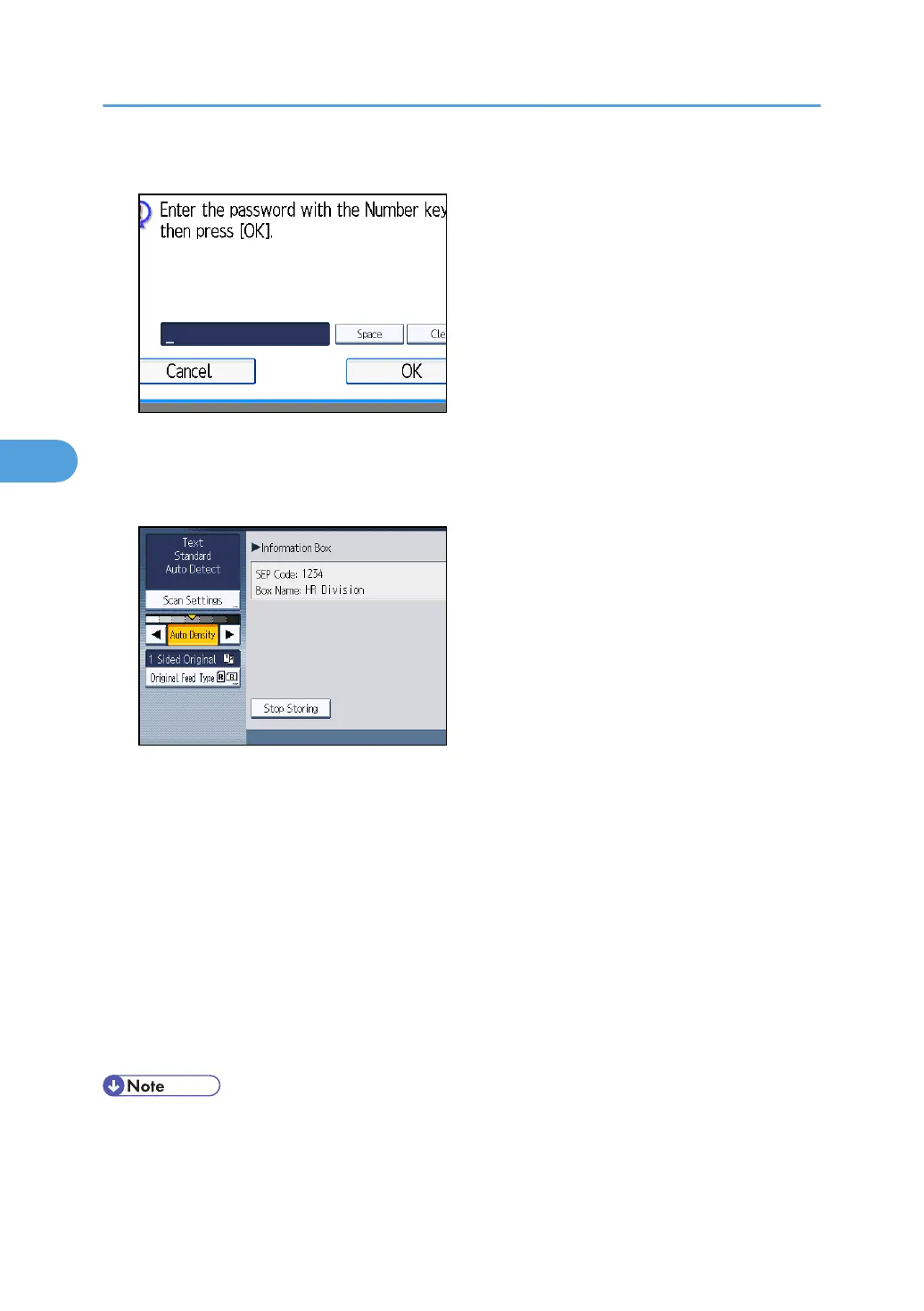
4. If a password has been set for the box, enter the password, and then press [OK].
If you make a mistake, press [Clear] before pressing [OK], and then try again.
To cancel entering a password, press [Cancel]. The display returns to that of step 3.
5. Place the original, and then select the scan settings you require.
You can also select the following settings:
•
Original Orientation
• Original Settings
• Stamp
6. Press the [Start] key.
The machine starts to scan the original.
To stop scanning, press [Stop]. The display returns to that of step 3.
To store a document in another Information Box, repeat from step 3.
7. Press [Exit] twice.
The standby display appears.
• One Information Box stores one file.
•
The stored file is not deleted automatically. If you want to delete a stored file, see “Deleting
Information Box Documents”.
4. Changing/Confirming Communication Information
292



 To Next Page