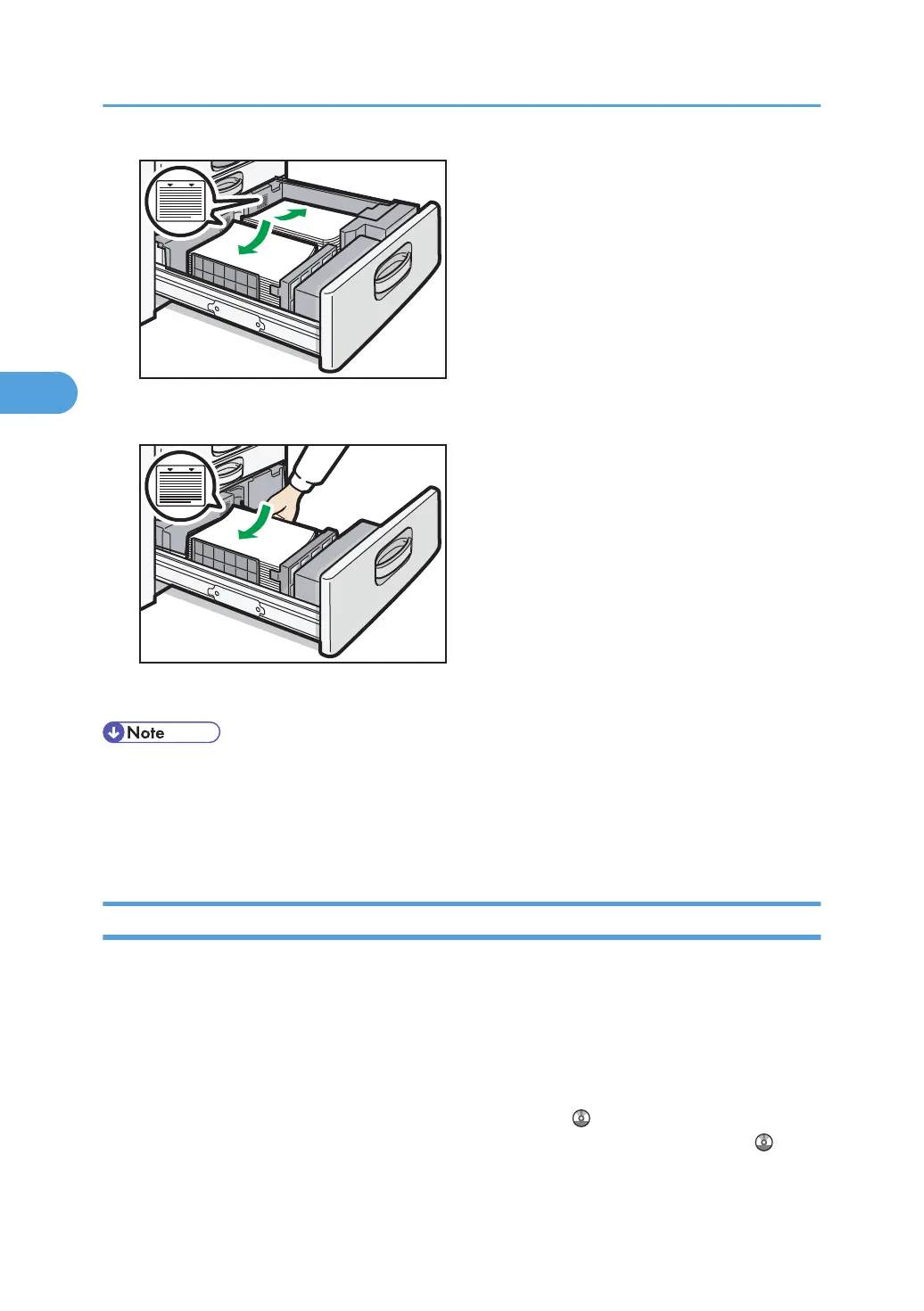
• Left half of the tray pulled out
3. Carefully push the LCT fully in.
• You can load paper even while making copies from the LCT. You can pull out the left half of the
tray while copying is in.
•
Load the same size and orientation paper in the other half of the tray.
• Each tray can hold up to 1,000 sheets of paper.
Loading Orientation-Fixed Paper or Two-Sided Paper
This section describes loading paper that has a specified orientation and printing side (such as
letterhead paper).
Orientation-fixed (top to bottom) or two-sided paper (for example, letterhead paper, punched paper, or
copied paper) might not print correctly, depending on how the originals and paper are placed. Set
[Letterhead Setting] to [Yes] in [Input / Output] under [Copier / Document Server Features], and then
place the original and paper as shown below. For details about Letterhead Setting, see “Copier and
Document Server Features”, Copy and Document Server Reference . For details about printing with
the printer function, see “Printing on Orientation-Fixed or Two-Sided Paper”, Printer Reference .
3. Adding Paper
60



 To Next Page