Printing Stored Documents
Use this function to print documents stored in the Document Server.
You can also print the first page only to check the content of the original.
• When [Print 1st Page] is selected, originals larger than A4 size are printed after they are reduced
to A4 size.
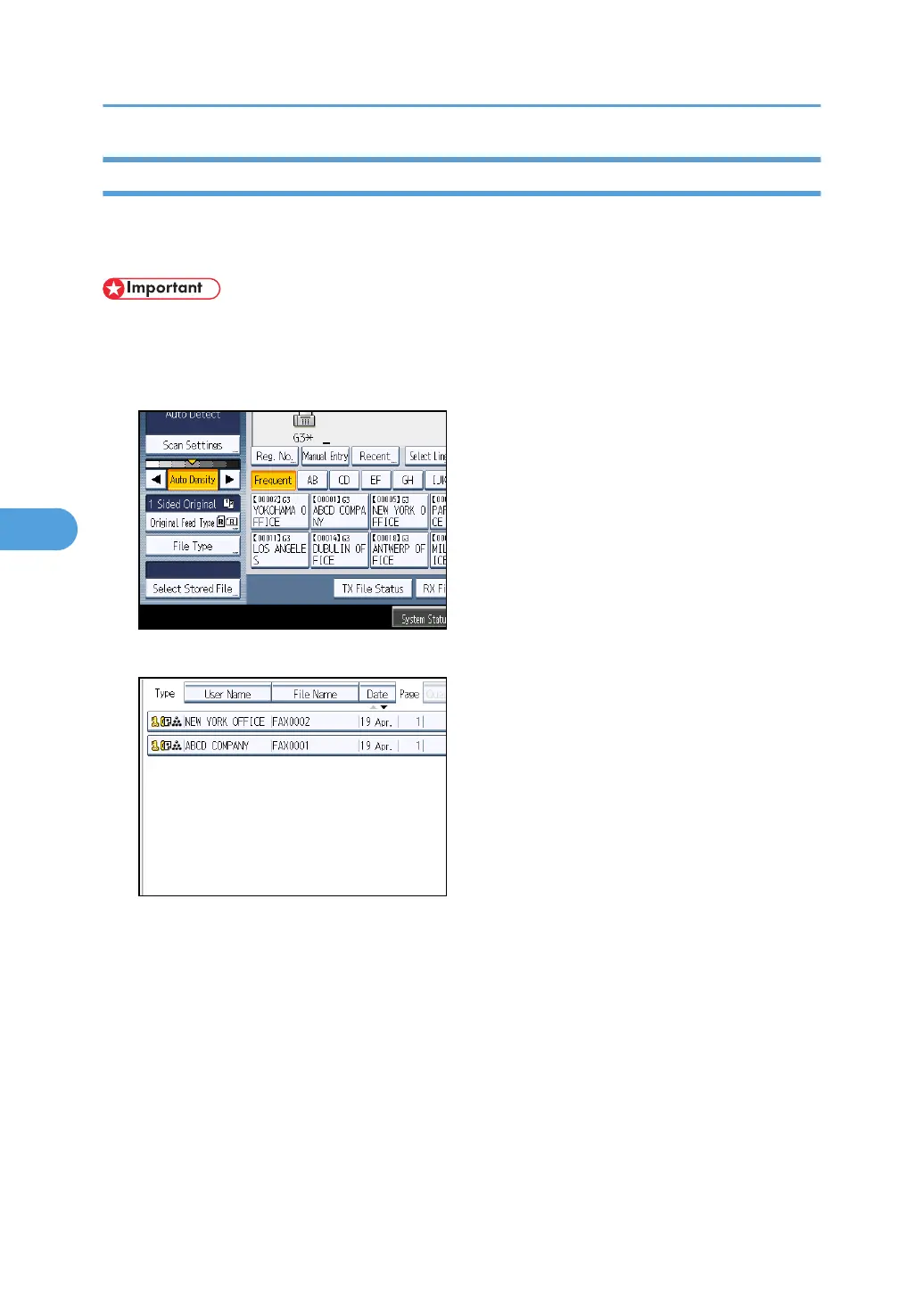
1. Press [Select Stored File].
2. Select the document to be printed.
Press the Thumbnail key to switch the screen to thumbnail display.
5. Storing a Document
308



 To Next Page