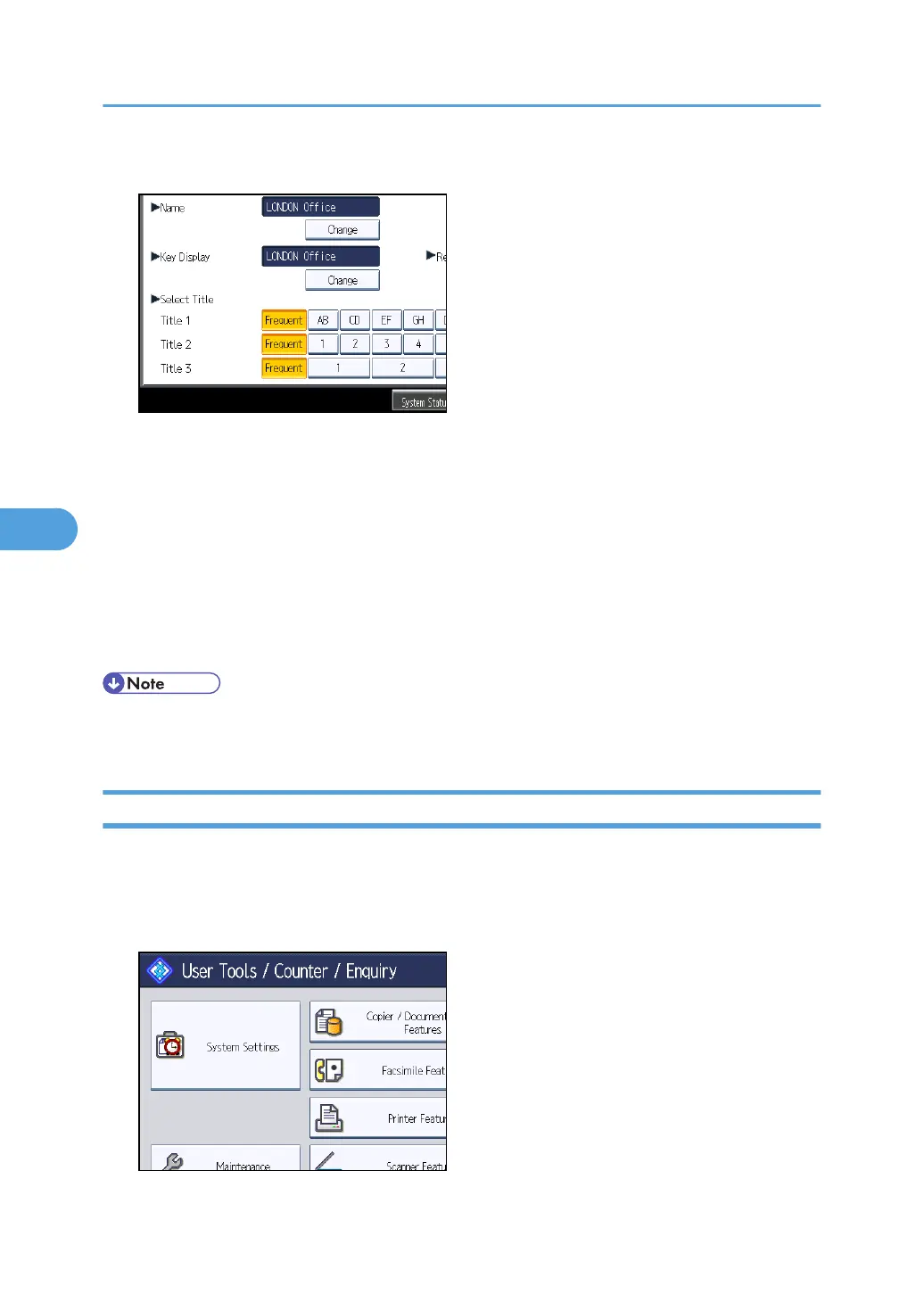
9. Press the key for the classification you want to use under "Select Title".
The keys you can select are as follows:
•
[Frequent]: Added to the page that is displayed first.
• [AB], [CD], [EF], [GH], [IJK], [LMN], [OPQ], [RST], [UVW], [XYZ], [1] to [10]: Added to the
list of items in the selected title.
You can select [Frequent] and one more page for each title.
10. Press [OK].
11. Press [Exit].
12. Press the [User Tools/Counter] key.
• The name can be used for documents in the Document Server. For details about the Document
Server, see "Using the Document Server", Copy and Document Server Reference.
Changing a Registered Name
This section describes how to change a name.
1. Press the [User Tools/Counter] key.
2. Press [System Settings].
5. Registering Addresses and Users for Facsimile/Scanner Functions
228



 To Next Page